A UPS can produce a pure sine wave and still pause briefly when power fails. Pure sine wave describes the shape of its AC output; online double conversion describes how it supplies power. A UPS can offer both features, and a line-interactive model can also deliver sine-wave output. Eaton’s explanation of UPS designs makes that distinction clear.
The practical question is whether your equipment will keep running—and for how long. Keeping a workstation alive through a momentary outage, giving a NAS time to shut down safely, and powering a network through a longer blackout call for different combinations of capacity, runtime and features.
What pure sine wave buys you
Look specifically for the UPS’s output waveform while running on battery. “Simulated sine wave,” “modified sine wave” and “stepped approximation” should not be treated as interchangeable with pure sine wave.
Waveform compatibility matters for some power supplies. For example, Dell’s PowerEdge guidance warns that simulated or modified waveforms can interfere with the active power-factor correction circuitry in the server power supplies it discusses, and recommends pure-sine-wave UPS output.
That is a reason to check your equipment’s requirements, not to assume every computer behaves identically. Start with the computer, power-supply or NAS manufacturer’s UPS guidance and compatibility information. If it is unclear, ask about your exact equipment and proposed UPS rather than relying on an advertisement’s promise to protect “sensitive electronics.”
A suitable waveform answers one question. The next is what happens between losing utility power and supplying power from the battery.
Line-interactive: sine-wave backup with a brief switchover
A line-interactive UPS normally supplies utility power to your equipment. Its automatic voltage regulation, or AVR, can correct voltage variations within its operating range without using the battery. When incoming power becomes unacceptable or disappears, it switches to battery operation. That makes it worth considering when your equipment can tolerate the brief transfer and you need backup for short outages or an orderly shutdown.
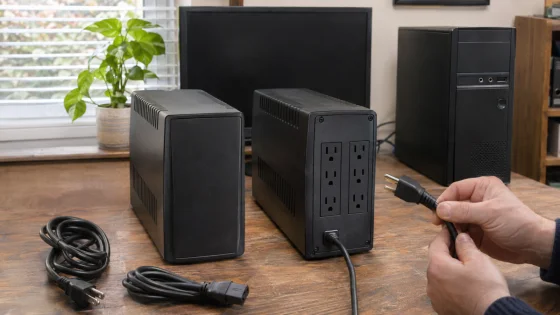
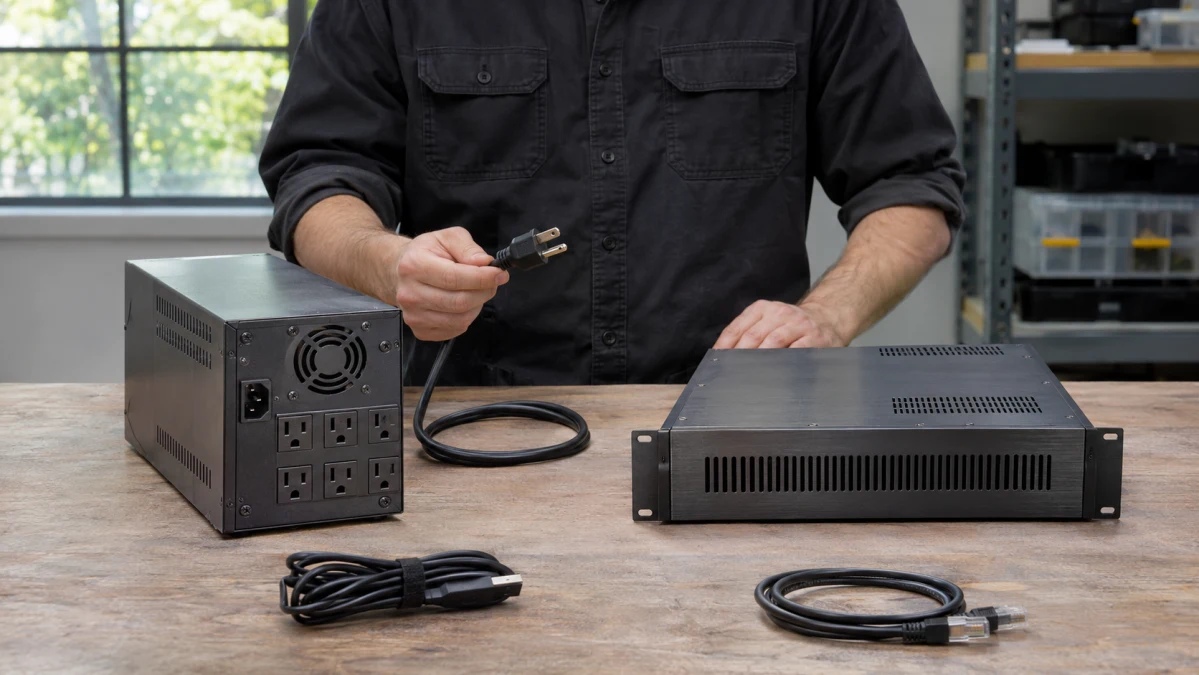
The Smart-UPS 750 VA Rackmount UPS illustrates this approach. Schneider’s specifications list pure-sine-wave output, AVR and a capacity of 750 VA and 500 W. Its NEMA 5-15P input fits a standard grounded US 120 V receptacle, and it provides six NEMA 5-15R outlets.
That makes the electrical connection straightforward for a modest equipment rack, provided the circuit and connected load are suitable. The 500 W limit deserves attention: the “750” in the model’s capacity rating does not mean it can supply 750 watts.
Schneider lists its transfer time as 6 milliseconds typical and 10 milliseconds maximum. The maximum is the relevant figure when your equipment specifies a firm interruption limit.
A specific requirement can change the choice. Dell recommends pure-sine-wave output and transfer below 10 milliseconds for its SCv20x0 and SC4020 storage systems. A 6-millisecond typical figure, paired with a published 10-millisecond maximum, does not by itself establish that requirement.
That limit belongs to those Dell systems. For other equipment, use its own compatibility guidance. Settings can matter, too: Schneider says lowering sensitivity increases transfer time in its line-interactive families, including SMT. If timing is critical, confirm the intended configuration with support.
Online double conversion: continuity depends on the operating mode
In normal double-conversion operation, the UPS’s inverter is already supplying the equipment. When utility power fails, it continues supplying the output from battery power. Schneider specifies no transfer time for this event in its SRT online UPS family.
That is a useful advantage when even a short transfer interruption is unacceptable. It also explains why the operating mode matters: the zero-transfer claim describes utility failure during double-conversion operation.
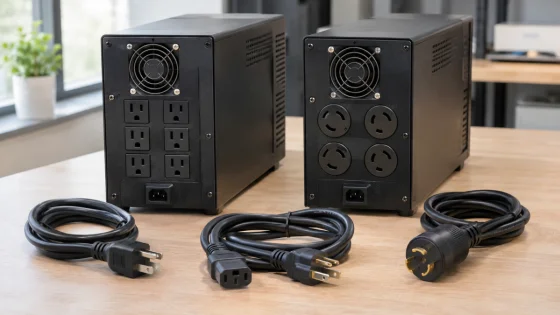
The On-Line Rackmount UPS with rail kit combines this design with pure-sine-wave output. According to its manufacturer specifications, it supplies 3000 VA and 2700 W, with eight NEMA 5-20R outlets and one NEMA L5-30R outlet—nine outputs altogether. Rack rails are included.
Before considering the extra capacity, check the wall connection. Its NEMA L5-30P locking input requires a matching supply, and the SRT operating manual specifies a 30 A branch circuit for this model. It will not plug into the ordinary 15 A receptacle used by the smaller SMT. If that circuit is absent, electrical installation becomes part of the purchase budget.
Keep Green mode disabled if zero-transfer operation is why you are buying this UPS. The same operating manual explains that Green mode sends utility power directly to the load and can introduce an interruption of up to 10 milliseconds when power fails. The manual lists Green mode as disabled by default.
The SRT also has bypass operation, another separate power path. Its zero-transfer behavior during normal online operation should not be read as a guarantee covering every bypass transition, fault or overload.
The smaller SMT and this SRT therefore suit substantially different installations. If your equipment needs online protection but draws far less power, consider an appropriately sized online model with an input connection your premises can support.
Buy enough capacity—and enough time
Start by deciding which devices actually need backup. A workstation may need its monitor to remain useful. A NAS may need only enough time to stop its services and shut down. A network setup may require the modem or fiber terminal, router and switches.
Then check two separate limits:
- Watts: the real power the connected equipment uses.
- Volt-amperes, or VA: its apparent power demand.
The combined load must stay within both UPS ratings. Schneider’s explanation of watts and VA explicitly cautions against exceeding either.
Use equipment documentation or suitable power measurements under realistic heavy use, and leave room for demand changes. Eaton’s sizing guidance recommends keeping IT loads to around 80% of capacity to allow headroom. Treat that as a planning guideline, not a substitute for checking startup demands and both electrical limits.
Capacity does not tell you battery runtime. Check the manufacturer’s runtime estimate at your actual connected load. “Half load” is a different amount of equipment on a 500 W UPS than on a 2700 W UPS.
For perspective, Schneider’s SRT3000RMXLA product page estimates roughly three minutes at its full 2700 W load on the internal battery. That is a manufacturer estimate for that load, not the expected runtime of a lightly loaded home setup. It demonstrates why a large power rating does not automatically mean hours of backup.
The SRT supports optional SRT96RMBP external battery packs for longer runtime. Those bring additional purchase cost, space requirements and batteries to replace later. Decide how many minutes you need before paying for that expansion.
Make sure the equipment can shut down when you are away
A UPS may outlast a brief outage without intervention. During a longer one, a computer or NAS needs a way to act before the battery runs out.
For the SMT750RM2UC, Schneider specifies USB or serial communication with PowerChute Serial Shutdown. Check support for your operating system and configure the shutdown behavior; plugging the equipment into a battery-backed outlet alone does not set this up.
Also distinguish cloud monitoring from automatic shutdown. The SMT’s SmartConnect connection provides cloud monitoring, while supported USB/serial software or an appropriate network-management setup handles shutdown. Schneider’s comparison of SmartConnect and Network Management Cards explains the difference. A SmartSlot does not mean a network card is included.
For a NAS, check its manufacturer’s supported UPS connections and compatibility information, such as Synology’s UPS compatibility list. Confirm the exact NAS and UPS combination instead of assuming a USB socket guarantees the behavior you want.
Once installed, follow the manufacturers’ procedures to verify communication and shutdown while you can supervise the result.
Check where the UPS will live
Both APC models occupy 2U of rack height, but depth and noise may decide whether either belongs beside your desk.
The published specifications list the SMT750RM2UC at about 16.1 inches deep and 41 dBA, versus approximately 25 inches and 55 dBA for the SRT3000RMXLA. These are manufacturer ratings, not measurements of how they will sound in your room. Check usable rack depth, mounting support and clearance for cables and ventilation.
Replacement batteries belong in the budget, too. Schneider lists APCRBC123 for the SMT and APCRBC152 for the SRT. Check the correct cartridge’s price and availability before buying, particularly if you are considering used equipment. Schneider’s troubleshooting guidance identifies weak batteries and overload among the reasons equipment can lose power despite being connected to a UPS.
For a modest rack whose equipment supports a brief transfer, a correctly sized sine-wave line-interactive UPS is a sensible starting point. Online double conversion earns its extra cost when uninterrupted normal transfer or more demanding power conditioning solves a real requirement. In either case, the purchase is complete only when the plug fits, the load has headroom, the battery lasts long enough and the shutdown plan works.