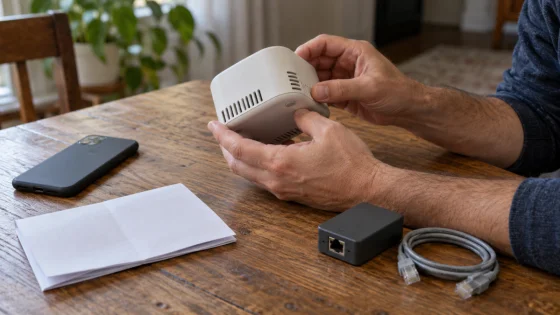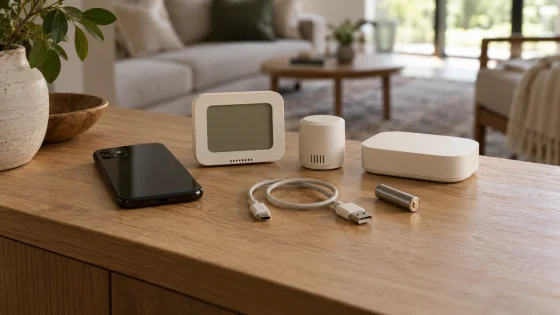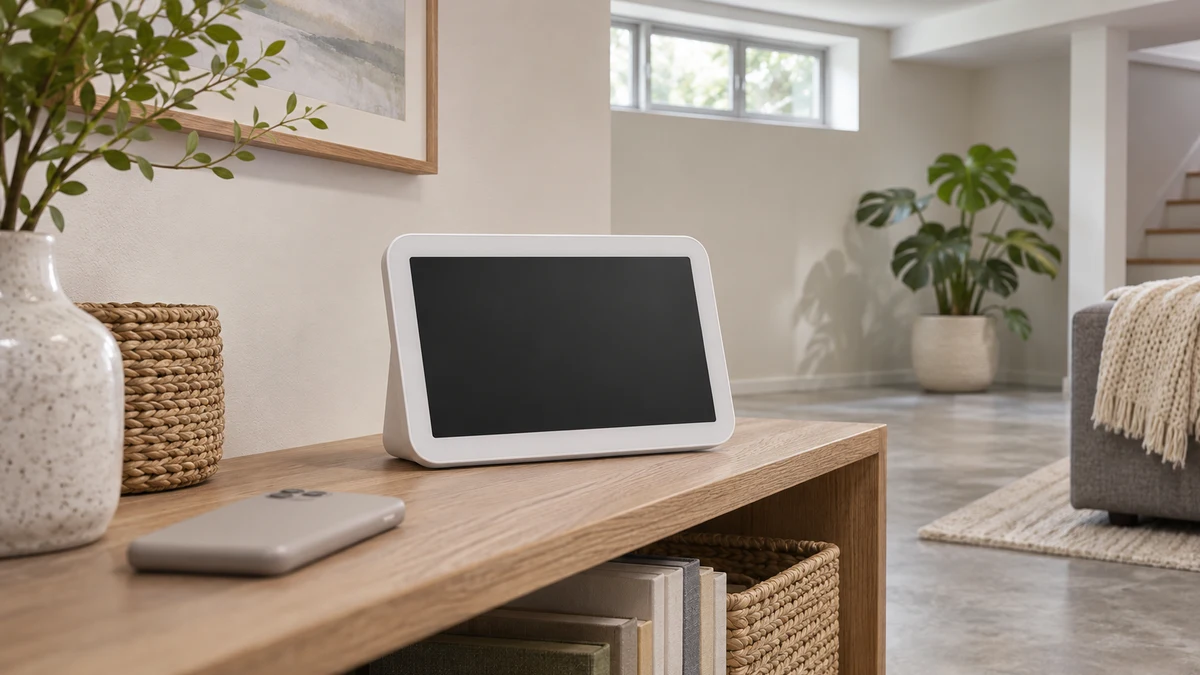
If you want the radon number on the monitor itself, with no phone involved, get the Airthings Corentium Home 2 or the GQ RadonScan: both show short- and long-term averages on their own screens. If you want to check a basement, a rental or a parent's house from anywhere, you need Wi-Fi: the Airthings View Radon or View Plus, the GQ RadonScan-Plus or the Ecosense EcoQube. Bluetooth monitors such as the Aranet Radon Plus and Airthings Wave Radon sit in between: they keep a detailed history in the app, but only sync when your phone is near them.
Quick picks
| You want | Choose | Why |
|---|---|---|
| A number on the screen and nothing else | Airthings Corentium Home | No app, no pairing; long- and short-term averages on the display |
| A screen now, app graphs when you want them | Airthings Corentium Home 2 | LCD with 24-hour, 7-day, 30-day and long-term averages; Bluetooth app is optional |
| A screen and an alarm on a small budget | GQ RadonScan | Color LCD with four averages and a buzzer you set from 0 to 99 pCi/L |
| The best app and data export without Wi-Fi | Aranet Radon Plus | BreatheSafeAir's top pick; no account, easy export, Home Assistant |
| Alerts from anywhere with Airthings | Airthings View Radon | Wi-Fi, e-ink screen, works with Alexa, Google Home and IFTTT |
| Remote viewing for the least money | GQ RadonScan-Plus | Same screen as the RadonScan, plus Wi-Fi viewing through GMCmap |
| Phone alerts and spreadsheet exports | Ecosense EcoQube | Wi-Fi alerts, CSV or Excel export, C-NRPP approved |
Readings on the device
A monitor with a real screen answers the only question most owners ask day to day, "is it still low?", without opening an app. That matters more for radon than for most sensors, because the monitor usually lives in a basement or on the lowest floor and stays there for months.
The Airthings Corentium Home is the simplest version. BreatheSafeAir's Ethan Brooke, who has used his for almost two years, calls it a set-and-forget monitor: no Bluetooth, no Wi-Fi, no app, just a long-term and short-term average on a large display. It appears in several C-NRPP reports, where it tends to stay within 10 to 20% error. The trade-offs are just as plain. Nothing gets logged, the units are fixed to the regional version you buy, and the micro-USB port is for the factory only.
The Airthings Corentium Home 2 keeps the same alpha-spectrometry sensor and adds what the original lacked. After 30 days its LCD shows 24-hour, 7-day, 30-day and long-term averages plus temperature and humidity, cycled with one touch button. Pairing with the Airthings app over Bluetooth is optional and adds history graphs. Airthings rates it for up to three years on two AA batteries. Brooke ranks it alongside the Aranet Radon Plus at the top of the category. His complaints are slow Bluetooth syncing and no data export inside the app, which goes through the web dashboard instead.
The GQ RadonScan puts more on the screen for less money. Its backlit color LCD shows radon in pCi/L or Bq/m³ with 1-hour, 1-day, 1-week and long-term averages, front and rear LEDs turn green, yellow or red, and a buzzer sounds above a threshold you set. It has no app or wireless link. Its USB-C port carries power and data to a computer, and it keeps its averages through a power cut. GQ rates its monitors for 30% reproducibility and recommends averaging readings over a longer period for the best result.
The Aranet Radon Plus has an E-ink screen with radon, temperature, humidity and a traffic-light indicator, and a scroll wheel switches between the current value and the 24-hour, 7-day and 30-day averages. Aranet states that 95% of its readings fall within ±8%. Brooke calls the screen very basic and the app the place for detail, which puts the Radon Plus closer to the Bluetooth group below.
History over Bluetooth
Bluetooth monitors store readings on the device and hand them to the app when your phone comes into range. That gives you graphs, alerts and trends after mitigation, but only while you're home.
The Aranet Radon Plus has the best app of the group in Brooke's testing: no account, painless pairing, quick syncing and straightforward export of historical data. It also works with Home Assistant. The catch is range, since it has no Wi-Fi.
The Airthings Wave Radon has no screen at all. Wave a hand over it and a ring glows green, yellow or red for the 24-hour average, and the number lives in the app. It syncs over Bluetooth at about 5 to 15 feet and keeps up to 80 days of readings until the next sync. Airthings no longer sells it on airthings.com, but it's still at Amazon and other retailers. The Wave Plus adds CO2, VOC and air pressure sensors for a bedroom or office and shares the same radon sensor and rating.
Home Assistant's Airthings BLE integration reads both Waves directly over Bluetooth, so they suit a local smart-home setup. For alerts away from home, a Wave needs a View monitor on USB-C power and Wi-Fi as its hub. Airthings no longer sells a standalone Hub, and a Wave linked to a View stops talking to Home Assistant. TechKith compares the three Airthings routes in Wave Radon vs Wave Plus vs View Radon.
Remote access over Wi-Fi
Wi-Fi matters when nobody is near the monitor: a vacation home, a basement apartment you rent out, a parent's house, or a mitigation system you want to watch from work.
The Airthings View Radon connects to 2.4 GHz Wi-Fi itself and sends readings and alerts to the Airthings app and web dashboard wherever you are. Its 2.9-inch e-ink screen shows up to four readings, it runs up to three years on six AA batteries or on USB-C, and it works with Alexa, Google Home and IFTTT. Everything goes through Airthings' cloud. If the Wi-Fi drops, the monitor stores only about two hours of sensor data.
The Airthings View Plus adds PM2.5, CO2, VOC and pressure sensors, which makes it the whole-home choice. Brooke notes that its radon performance in C-NRPP testing trails the dedicated Airthings monitors. A Health Canada study also found that the View Plus and Wave Plus took 8 to 16 hours to reach 90% of a sudden radon spike, against under one to two hours for ionization-chamber monitors.
The GQ RadonScan-Plus is the RadonScan with Wi-Fi. It sends readings to GQ's GMCmap service, with free history and real-time viewing on iOS and Android. Setup takes a GMCmap account and entering your IDs with the monitor's buttons. Turn the Wi-Fi off and it works exactly like the RadonScan, screen and alarm included.
The Ecosense EcoQube reverses the screen trade-off. It has only a three-color LED on the unit and puts the number in the app. It needs a constant internet connection, which buys push alerts above your threshold, shared access for family or a radon professional, IFTTT triggers and CSV or Excel export. It's C-NRPP approved, and in a 2024 Kansas State University chamber test five retail units read 2.4% high on average at 13.7 pCi/L. Ecosense recommends 2.4 GHz Wi-Fi, so a basement at the edge of coverage can leave gaps in its history. If you want an Ecosense with a number on the screen, the RadonEye RD200 has a display and Bluetooth. TechKith puts the GQ pair against the EcoQube in RadonScan vs RadonScan-Plus vs EcoQube.
Whichever you buy
- Give it weeks. Brooke notes that early readings often carry ±20% or more, and most makers suggest 30 to 90 days in one spot. Airthings rates its monitors at ±10% for a 7-day average and ±5% over two months. Moving the monitor resets the clock.
- Place it on the lowest lived-in floor, at breathing height, out of direct sun and away from exterior walls, vents, windows and heaters. Keep it out of bathrooms. Airthings warns that humidity above 85% can permanently damage the radon sensor.
- Buy a known brand. In 2025 Canada recalled several radon detectors sold online, including InkBird, Life Basis, Hanchen and Spolehli models, over inaccurate readings.
- Confirm a high reading. The EPA counts continuous monitors as short-term tests. At 4 pCi/L or higher, follow up with a long-term test of more than 90 days, or a second short-term test right away if the first result was more than twice that level. A home sale still calls for a professional test.
Which to choose
Choose a monitor with its own screen if it will sit in the home you live in and you just want to glance at it: the Corentium Home 2 for the best balance of display and optional app, the original Corentium Home if you never want to pair anything, or the GQ RadonScan for an alarm and four averages on a budget.
Choose Bluetooth if you want history and graphs at home: the Aranet Radon Plus for the best app and exports, or a Wave Radon for Home Assistant.
Choose Wi-Fi if you need to know what's happening while you're away: the View Radon for Airthings' app and voice assistants, the RadonScan-Plus for the cheapest remote view, or the EcoQube for alerts and spreadsheet exports.
FAQ
Which radon detector is the most accurate?
Among consumer monitors, the Corentium Home appears in several C-NRPP reports with errors mostly within 10 to 20%. Aranet states that 95% of the Radon Plus's readings fall within ±8%, and five EcoQubes read 2.4% high on average in a 2024 Kansas State University chamber test. For a documented result, such as for a home sale, use a professional test or a lab kit.
Are radon monitors worth it?
Yes, if you live in a house with a basement or rooms on the ground. Radon rises and falls with the weather and seasons, so a monitor shows the trend that a single test misses, and it shows whether mitigation is working. In an upper-floor apartment the risk is generally far lower, and a one-time test kit answers the question.
Is there an instant radon detector?
Some monitors show a first number within minutes: GQ's RadonScan gives a background reading in about 5 minutes and the EcoQube a first measurement in 10. Those early numbers are rough. Brooke notes that early readings often carry ±20% or more, and monitors need weeks in one place to reach their rated accuracy.
What month is radon the highest?
Usually in the colder months. Radon tends to spike in winter, when windows stay closed and the stack effect pulls more soil gas into the house, and Airthings notes that it concentrates on lower floors in fall and winter. A home that reads low in summer can cross the action level in winter.
Where should a radon detector be placed?
On the lowest floor you use, at breathing height, out of direct sunlight and away from exterior walls, vents, windows and heaters. Airthings advises keeping its monitors at least 3 feet from vents, fans, windows and doors and out of rooms above 85% humidity. Once it's placed, leave it there for the whole measurement period.
Do radon monitors work without Wi-Fi?
Most do. The Corentium Home, Corentium Home 2 and GQ RadonScan show readings on their screens without any connection, and Bluetooth models such as the Aranet Radon Plus and Wave Radon store data until your phone syncs. The EcoQube needs an internet connection, and the View Radon delivers its readings to the app only through Airthings' cloud.