
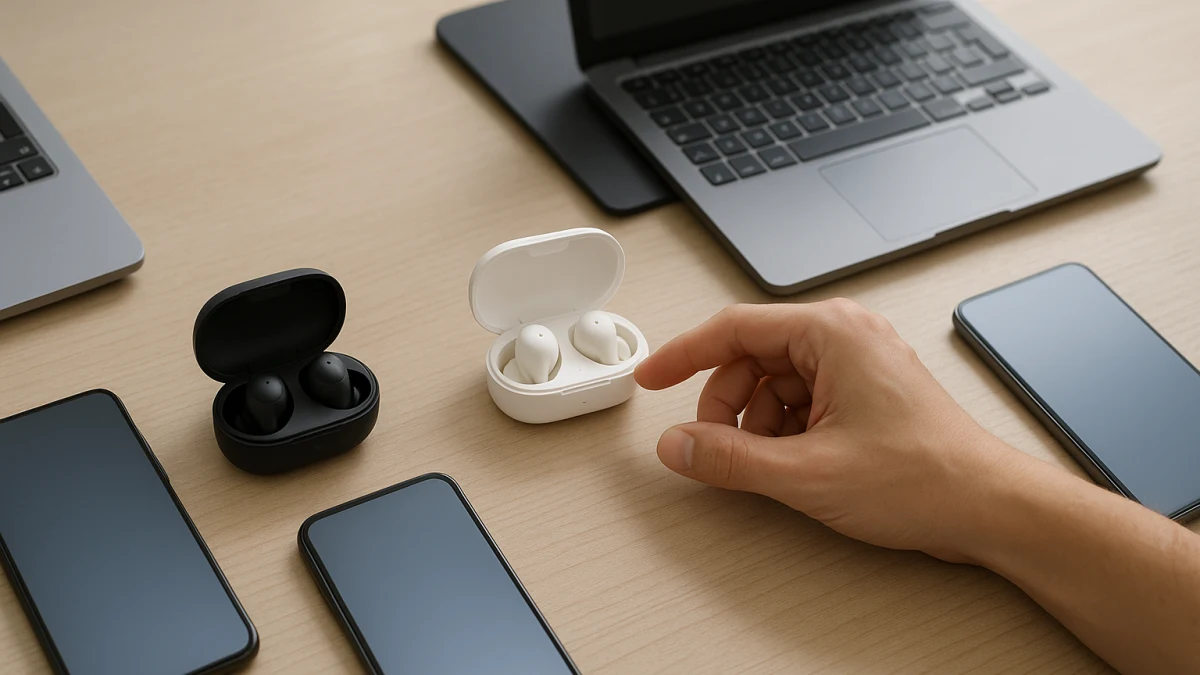
Most wireless earbuds can connect to an iPhone or Android phone over Bluetooth, but basic audio compatibility does not guarantee the ecosystem features you may expect. AirPods and Apple features, Galaxy Buds and Samsung features, Google Fast Pair, companion apps, finding tools, automatic switching, and advanced codecs can all depend on the exact earbuds, phone, operating system, account, and region.
Use this collection to choose earbuds for the phone you already own. Start with the features you would actually miss, then verify them on the exact model before following an offer to a partner store.
Start with the phone features you care about
| If this sounds like you | Start here |
|---|---|
| You use an iPhone and care about Apple-specific setup, Siri, Find My, automatic switching, spatial-audio features, or other AirPods integrations. | Apple-oriented and iPhone-friendly wireless earbuds |
| You use a Samsung Galaxy phone and care about Galaxy Wearable features, Samsung finding tools, Galaxy-device switching, or Galaxy AI integrations. | Galaxy-oriented wireless earbuds |
| You use another Android phone and care about Fast Pair, Google services, a manufacturer companion app, multipoint, or specific codecs. | Android-friendly wireless earbuds with explicitly supported features |
| You regularly move between Android, iOS, tablets, and computers and mainly need reliable wireless audio. | Platform-neutral Bluetooth earbuds |
Do not use the word Bluetooth as proof of feature parity. Check the exact model for pairing method, companion app, firmware-update path, assistant support, finding features, multipoint or ecosystem switching, and any codec or LE Audio support that matters to you.
Bluetooth compatibility is only the baseline
A listing that says compatible with Android, iOS, phones, tablets, laptops, or other Bluetooth devices usually tells you that basic wireless audio should work with those device classes. It does not establish that every app, assistant, locating feature, control, codec, or automatic-switching feature will also work.
This distinction is especially important with ecosystem earbuds. AirPods can function as Bluetooth earbuds outside the Apple ecosystem, while some Apple-specific features require compatible Apple hardware, software, and account settings. Likewise, Galaxy Buds can provide different capabilities on a compatible Galaxy device than on another Android phone or an iPhone.
If a feature matters to you, verify that feature rather than inferring it from a general compatibility statement.
Verify the exact model, not just the product family
Earbud families often contain several generations and variants with different chips, controls, charging cases, wireless features, and software requirements. A feature advertised for one generation should not be assumed to exist on another model with a similar name.
Before choosing between two listings, confirm:
- The full model and generation.
- Supported phone platforms and minimum OS requirements, if stated.
- Companion-app availability for your phone.
- Firmware-update requirements.
- Assistant and voice-control support.
- Finding or lost-device features.
- Multipoint or ecosystem-specific device switching.
- Supported Bluetooth codecs and audio features.
- Charging-case type and charging method.
- Battery-life claims for the exact configuration.
- Water- or dust-resistance rating, if relevant.
- Region or version restrictions when the listing identifies them.
iPhone and Apple-oriented wireless earbuds
Start here if your iPhone is your primary phone and Apple-specific integration is important. AirPods models are the clearest example, but other earbuds may also provide strong iPhone compatibility for ordinary Bluetooth audio and controls.
For Apple-oriented models, look beyond the AirPods name or references to an Apple chip. Verify which features the exact generation supports and which require compatible Apple devices or software.
When comparing these earbuds, check the exact model and generation first. Features such as Find My integration, automatic switching between Apple devices, spatial audio, head tracking, Siri behavior, and firmware handling are not interchangeable across every AirPods or Apple-compatible product.
If you only need music, calls, and basic Bluetooth controls, a wider range of earbuds may work well with an iPhone. If you specifically want Apple ecosystem features, prioritize explicit support for those features rather than generic iOS compatibility.
Android and Galaxy wireless earbuds
Start here if you use a Samsung Galaxy phone or another Android device and want more than basic Bluetooth audio. Depending on the earbuds, useful Android-side features can include companion-app controls, Google Fast Pair, device finding, multipoint, assistant access, firmware updates, advanced codecs, or manufacturer-specific switching.
Samsung Galaxy Buds can also expose features that depend on compatible Galaxy hardware, Samsung software, accounts, region, or firmware.
Do not treat Android compatible, Galaxy compatible, Galaxy AI, Gemini, or similar wording as proof that every advertised feature works on every Android phone. Check the exact earbuds and the manufacturer's requirements for the feature you care about.
Also distinguish multipoint from ecosystem-specific automatic switching. Both can make moving between devices easier, but they are not necessarily the same feature and may have different device requirements.
Mixed-device earbuds for broad Bluetooth use
Choose this lane when you regularly use several types of devices and proprietary ecosystem features are less important than broad compatibility. These earbuds may be suitable for phones, tablets, laptops, and desktops across Android and iOS.
For mixed-device use, prioritize the features that affect daily switching and playback:
- Explicit Android and iOS compatibility.
- Multipoint if you want simultaneous connections to more than one device.
- Straightforward controls that do not depend heavily on one phone ecosystem.
- A companion app available on the platforms you use.
- A practical firmware-update path.
- Battery life and charging-case capacity.
- Microphone and call features.
- Water resistance where needed.
If you require LDAC, aptX, LC3, LE Audio, low-latency modes, high-resolution audio features, spatial audio, device finding, or automatic switching, verify those separately. Broad Bluetooth compatibility does not prove support for them.
Find My, Fast Pair, switching, and codecs need separate checks
Several commonly advertised features are easy to confuse because they all make earbuds feel more integrated with a phone.
Finding features can range from showing a last known location to participating in a larger device-finding network. The exact behavior can depend on the earbuds, phone, account, app, and enabled settings.
Fast Pair or ecosystem setup can simplify first-time pairing, but support should be confirmed for the exact earbuds and phone.
Multipoint generally refers to maintaining connections with multiple devices, while automatic ecosystem switching may use manufacturer-specific accounts and compatible devices. Do not assume one term guarantees the other.
Codecs such as AAC, aptX, LDAC, and LC3 describe different audio transport capabilities. Support must exist on both sides of the connection, and the presence of a codec name in an earbud specification does not guarantee that every phone can use it.
LE Audio is also more than a generic Bluetooth-version label. If LE Audio or LC3 matters to you, look for explicit support rather than inferring it from a newer Bluetooth version alone.
Common compatibility traps
- Works with iPhone does not mean an earbud provides AirPods-level Apple integration.
- Works with Android does not mean it supports Fast Pair, every Android companion app, or every advanced codec.
- AirPods does not mean Android users receive the same software features available in Apple's ecosystem.
- Galaxy Buds does not mean every Samsung-specific feature is available on every Android phone.
- Galaxy AI or Gemini wording should be checked against the exact supported phone, earbuds, software version, region, and feature requirements.
- Find My, Find My Earbuds, and other locating terms can describe different systems and capabilities.
- Automatic switching and multipoint should not be treated as synonyms.
- Bluetooth 5.x by itself does not prove multipoint, LE Audio, LC3, low latency, or a particular codec.
- Compatible with Bluetooth devices is useful evidence for basic connectivity, but weak evidence for ecosystem-specific features.
- US version or other regional wording can matter when hardware variants, services, apps, or software features differ between markets.
Before choosing an offer
Check the partner product page and, for important features, the manufacturer's specifications for the exact model.
Confirm the phone platform you use, the full earbud model, required app or account, supported controls, firmware-update method, finding and switching features, and any codec or audio feature that influenced your choice.
The best earbuds for an iPhone user are not automatically the best earbuds for a Galaxy or other Android user, even when all of them support Bluetooth. Choose the model whose verified features match the phone and devices you actually use.