
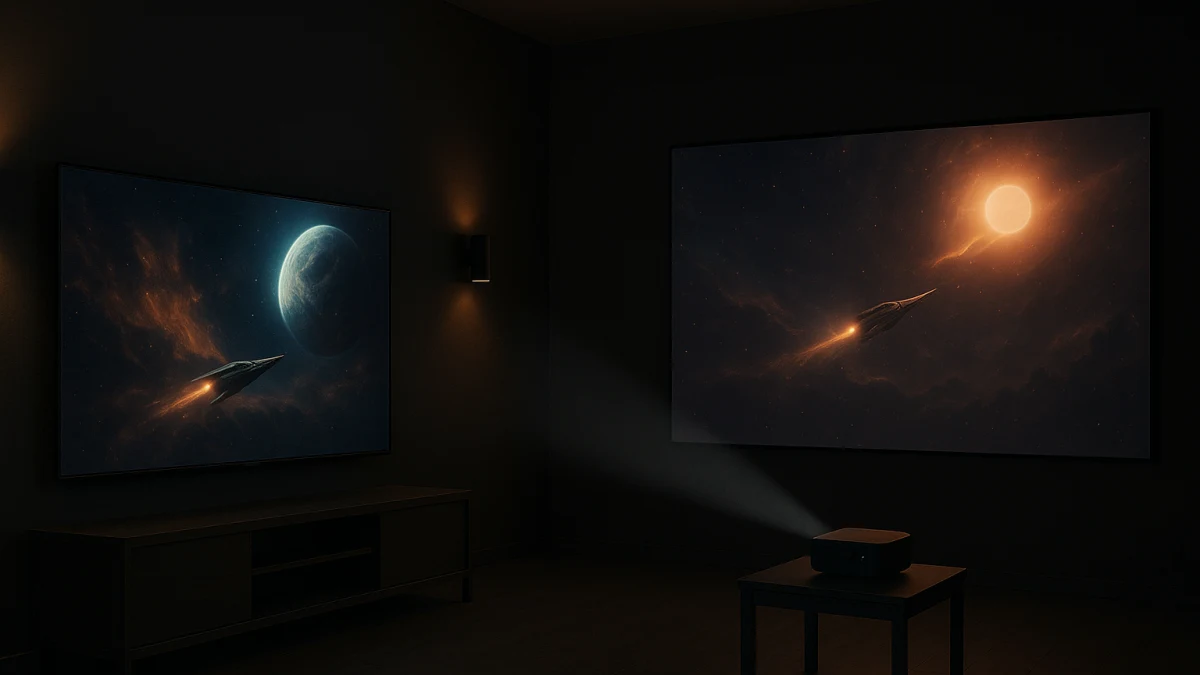
A dedicated dark movie room makes the smart TV versus smart projector choice more useful than a normal category grid. Light control makes projection more viable, but it does not remove the basic tradeoff: a fixed 4K HDR smart TV is easier to trust, while a smart projector can create a much larger image only if the room depth, throw distance, throw ratio, and lens placement work.
Use the products below as two movie-room paths: fixed-screen HDR convenience or wall-size ambition. The decision is not simply TV convenience versus projector size. Compare fixed inch-based screen size against projection-size range, HDR10 and Dolby Vision labels against HDR or HDR10+ projector labels, everyday streaming convenience against focus and keystone setup, and current US value claims against specs that still need manufacturer or market checks.
Dark-room fork: fixed HDR convenience or wall-size ambition
| If your need sounds like this | Better fit |
|---|---|
| You want a fixed inch-based screen, 4K UHD, HDR10 or Dolby Vision labels, built-in streaming, and fewer setup variables. | High-contrast smart TV path |
| You want a much larger cinema-style image and can verify throw distance, throw ratio, projection size, focus, keystone correction, and mounting options. | Home-theater smart projector path |
| You are planning backyard after-dusk viewing with portability, power, weather, or placement constraints. | Use a separate outdoor projector use case, not this collection |
| You cannot measure room depth or decide where the lens will sit, but you still want movie-night convenience. | High-contrast smart TV path |
Read the smart TV path as the fixed-screen HDR-convenience lane, not as proof that every TV has better measured contrast than every projector. Read the projector path as the bigger-image lane, not as proof that the largest listed projection size is the right size for your room.
Start with the movie-room fork, not the biggest spec
The safer first question is not how large the picture could be. It is which compromise you can live with every movie night.
- Choose the smart TV path if a predictable 50-inch or 75-inch style display, 4K UHD, HDR10 or Dolby Vision labels, Google TV or built-in streaming, and HDMI ports matter more than maximum image size.
- Choose the smart projector path if the room can stay dark and you are ready to check throw distance, throw ratio, projection-size guidance, native resolution, focus, auto keystone, and mounting options.
- Be cautious with big numbers. A maximum projection-size claim does not prove the best image size for your room, and an HDR label does not prove measured HDR performance.
- If the lens location is undecided, the TV lane is usually the simpler movie-night starting point because it avoids throw and placement math.
What the widgets can prove in this dark-room comparison
The smart TV products shown here can help you compare visible listing details such as 4K UHD, UHD, HDR10, Dolby Vision, Google TV, smart TV features, fixed screen size, and HDMI-port expectations. The TV lane is a smaller set, but it does include relevant fixed-size movie-room options such as 50-inch and 75-inch smart TVs.
The projector products shown here cover a broader home-theater path. Look for 4K support, HDR or HDR10+ labels, Google TV or Android-style smart platforms, Wi-Fi, Bluetooth, throw distance, throw ratio, projection-size range, auto focus, auto keystone, native resolution, brightness labeling, and mounting clues.
What the products shown do not prove by themselves: OLED availability, Mini LED availability, measured black levels, lab contrast ratio, real HDR impact, universal projector room fit, or the best US price-per-inch value. Treat those as follow-up checks, not assumptions.
Keep backyard nights, gaming, and audio gear outside this choice
This collection is for indoor smart display choices in a controlled dark movie room. It is not a backyard movie-night guide, a gaming-first display guide, or an audio-system plan.
Skip this comparison if the real question is portability, outdoor power, weather exposure, tripod placement, projector screens, AV receivers, external speakers, seating, or console-focused gaming performance. Those are valid movie-room decisions, but they would change the product set and the criteria.
Use the smart TV lane for fixed-screen 4K HDR movie convenience
Start here if you want the movie room to work without deciding where a projector lens will sit. A fixed smart TV gives you an exact screen size, and the products shown in this lane include movie-relevant listing details such as 4K UHD, HDR10, Dolby Vision, smart TV functionality, and fixed sizes including 50-inch and 75-inch options.
Use the TV products to compare screen size, 4K UHD or HDR labels, smart TV platform, HDMI ports, and any listed display technology. HDR10 and Dolby Vision are useful checks for movie viewing, but they are not the same as independently measured black levels or contrast ratio. Do not assume OLED or Mini LED unless the specific product page clearly says so.
Read this lane as the simpler premium path: a 75-inch smart TV can give a larger fixed-screen experience without throw distance, throw ratio, auto focus, or auto keystone setup. If you mainly want a predictable screen, built-in streaming, and fewer placement variables, stay here. If the fixed sizes feel too small for the room and you can measure carefully, move to the projector lane.
After the TV lane, measure the wall-to-lens distance
Before judging any projector by its maximum image size, measure the room from the likely lens position to the projection surface. That means the shelf, table, or ceiling-mount location where the projector would actually sit, not just the distance from the couch to the wall.
Then compare that measurement with the product page’s throw distance, throw ratio, and image-size guidance. Auto focus and auto keystone can reduce setup friction, but they do not make every projector fit every room. If the desired image size cannot be produced from your real wall-to-lens distance, the larger projection promise is not useful for this room.
Use the smart projector lane when the room can earn the bigger image
A smart projector is the better fit when you want a more cinema-style image and your room can stay dark. The products shown in this lane include home-theater and movie-oriented projectors with features such as 4K support, HDR or HDR10+ labels, Google TV or other smart platforms, Wi-Fi, Bluetooth, and streaming-app convenience.
Placement is the purchase decision here. Compare throw distance, throw ratio, projection-size range, native resolution, brightness labeling, focus behavior, auto keystone correction, and mounting options before you compare the biggest diagonal number. A projector with a very large listed projection range still needs to match your actual room depth and lens position.
Use this lane as a set of large-image candidates, not automatic upgrades over a smart TV. If you see projection ranges such as 40-250 inches, 200 inches, or up to 300 inches, treat them as limits to verify rather than a guaranteed best setting. If the room measurements, mounting plan, and native-resolution details check out, the projector path can feel more cinematic. If not, the fixed TV path is the safer choice.
Final dark-room fit checks: size, HDR labels, ports, and throw
Before choosing either path, do this last pass:
- Screen size: for a TV, confirm the exact inch size; for a projector, decide the target image size and verify that the room can produce it.
- Resolution: check 4K UHD on TVs and distinguish 4K support from native resolution on projectors.
- HDR labels: look for HDR10, Dolby Vision, HDR, or HDR10+, but do not treat the label alone as proof of measured HDR performance.
- Smart platform: confirm Google TV, built-in streaming, or the listed smart platform you actually want to use.
- Connections: check HDMI ports for source devices, and check Wi-Fi or Bluetooth only where those features matter to your setup.
- Projector placement: verify throw distance, throw ratio, lens position, focus, auto keystone, and mounting options.
- Brightness wording: note any brightness label, but confirm it on the product page before relying on it for your room.
- Daily friction: decide whether you want a fixed display that turns on like a TV or a projector setup that may need placement and image adjustments.
Specs that need manufacturer pages or current market research
Some claims are too source-sensitive to infer from a product row. Use manufacturer pages, full product specifications, or current US market research for contrast ratio, black-level performance, OLED or Mini LED availability, projector brightness, actual HDR quality, throw-ratio limits, and maximum usable image size.
Be especially careful with value claims. Large smart TV and home-theater projector prices in the US change quickly, so price-per-inch comparisons should be based on current USD pricing and comparable features, not assumptions. The practical choice is the compromise you can trust every movie night: a fixed smart TV that is easier to set up, or a smart projector that can feel more cinematic only if the measurements and placement work.