
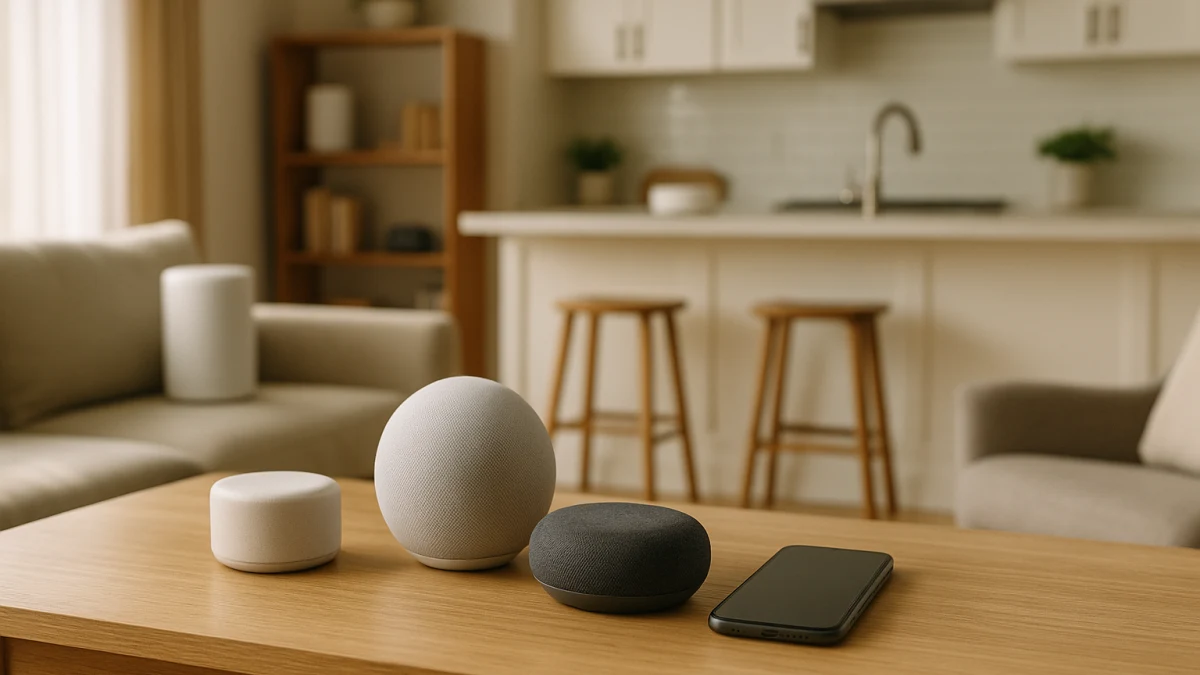
For multi-room music, the wrong smart speaker is not always the one that sounds small. It is often the one that does not fit the app, assistant, casting method, or music services your rooms already depend on. A normal category page can put smart speakers side by side, but it usually does not separate Sonos, AirPlay, Chromecast, Google Cast, WiiM Home, Alexa Cast, stereo pairing, and starter-assistant choices into a clear expansion path.
This guide is intentionally uneven: ecosystem-matched speakers get the main treatment, while one-room starter speakers are a shorter fallback. Start with Wi-Fi, app control, casting, grouping, services, pairing, and privacy controls before you let room size or sound descriptions decide everything.
First match the music path, then judge the speaker
| If your situation sounds like this | Better fit |
|---|---|
| You already use Sonos, AirPlay, Chromecast, Google Cast, WiiM Home, Alexa Cast, or a named companion app. | Ecosystem-matched smart speaker |
| You want two speakers for one stronger room before expanding elsewhere. | Ecosystem-matched smart speaker with listed stereo pairing or a two-speaker pack, while checking pairing limits. |
| You only need one bedroom, kitchen, or desk speaker and mainly care whether it uses Alexa or Google Assistant. | Standalone first smart speaker |
| You see Bluetooth, Matter, Thread, or smart-home compatibility but no multi-room playback, app, casting, or stereo-pairing language. | Treat it as a warning and verify before choosing it for multi-room music. |
Use these checks as the first pass: assistant and app ecosystem, casting and grouping language, music-service support, room size and stereo-pairing intent, privacy or microphone controls, and current US availability or subscription requirements. Those details determine whether a speaker is easy to expand later or just convenient in one room today.
Decode the ecosystem words before sound claims
Look for the words that describe how music actually reaches and groups across speakers:
- Named app support: Sonos app, WiiM Home, Google Home, or another companion app can matter more than a vague smart-speaker label.
- Casting and grouping: AirPlay, Chromecast built-in, Google Cast, Alexa Cast, multi-room playback, and stereo pairing are stronger buying clues than Bluetooth alone.
- Assistant fit: Alexa and Google Assistant can shape voice control, routines, and future speaker choices.
- Service fit: Check the product page for your music services; support can vary by model, app, account, or later updates.
- Pairing intent: Stereo pairing can help one room feel fuller, but it is not the same promise as broad cross-brand, cross-room grouping.
- Privacy controls: Mic-off, microphone mute, privacy switches, and voice recording controls should be checked on the exact model.
False friends: Bluetooth, Matter, screens, and TV sound
Bluetooth is useful, but Bluetooth by itself should not be treated as a multi-room music plan. Matter, Thread, or general smart-home compatibility can also be easy to misread: those terms do not automatically prove that speakers will group for audio playback.
This page stays inside smart speakers. Skip it if you are really shopping for a sound bar, a TV dialogue upgrade, a smart display with a screen, a portable Bluetooth-only speaker, networking hardware, or an installed whole-home audio system. Those products can overlap in features, but they solve different problems.
Start with the speakers that speak your ecosystem
Use this main section if you already have a music path in mind: Sonos, AirPlay, Chromecast built-in, Google Cast, WiiM Home, Alexa Cast, or another named app-based setup. These products are useful to compare because their listings show stronger compatibility language, not because every one of them works with every other brand.
For multi-room planning, Wi-Fi, app control, casting, multi-room playback, and stereo-pairing language should come before generic speaker appeal. A two-speaker pack or a model with listed stereo pairing can be a sensible way to build one stronger room first, then decide whether the same ecosystem should expand to the kitchen, bedroom, or office.
Read the products shown here as a compatibility shortlist, not a universal grouping promise. Compare the app or casting method first, then check the exact music services, assistant support, stereo-pairing limits, and privacy controls on the product page. If you do not yet have a Sonos, AirPlay, Chromecast, Google Cast, WiiM Home, Alexa Cast, or similar direction, the starter section below may be enough for one room.
If you downshift to a starter speaker, check the lock-in first
Starter speakers can be convenient, but the assistant choice can steer your next few purchases. Before you choose a first-room model, check:
- Whether you want Alexa, Google Assistant, or another assistant handling daily voice commands.
- Whether your music services are listed for that specific product.
- Whether device pairing, stereo pairing, or multi-room playback is explicitly stated, rather than assumed.
- Whether smart-home compatibility matters to your routines, lights, plugs, or other devices.
- Whether mic-off, microphone mute, privacy, and voice recording controls match your comfort level.
- For kids-focused options, whether parental controls and subscription details are clear before you treat it like a normal music speaker.
One-room starters: choose the assistant you can live with
This shorter lane is for a bedroom, kitchen, desk, or first apartment speaker where the main decision is the assistant, not a full multi-room plan. Cues such as Echo Dot, Echo Pop, Nest Mini, HomePod mini, Alexa, or Google Assistant can make sense here, but do not infer AirPlay, Sonos grouping, stereo pairing, or advanced multi-room playback unless the product page says so.
Use these products as simple voice-assistant starters. They are not presented as the strongest multi-room choices; they are a fallback for shoppers who want one smart speaker now and want to avoid choosing an assistant, service setup, or privacy model they regret later.
Recheck current US services, subscriptions, and mic controls
Before expanding to more rooms, recheck the current US product page or manufacturer information for:
- Supported music services and account requirements.
- Any subscription details, especially for kids-focused or premium assistant features.
- Current assistant features and app compatibility.
- Stereo pairing, multi-room playback, and casting limits.
- Mic-off, microphone mute, privacy switch, and voice recording controls.
- Current model availability in the US.
The safest choice is the speaker that matches your app, assistant, casting method, and music services today, with pairing and privacy details you can verify before you build the rest of the house around it.