
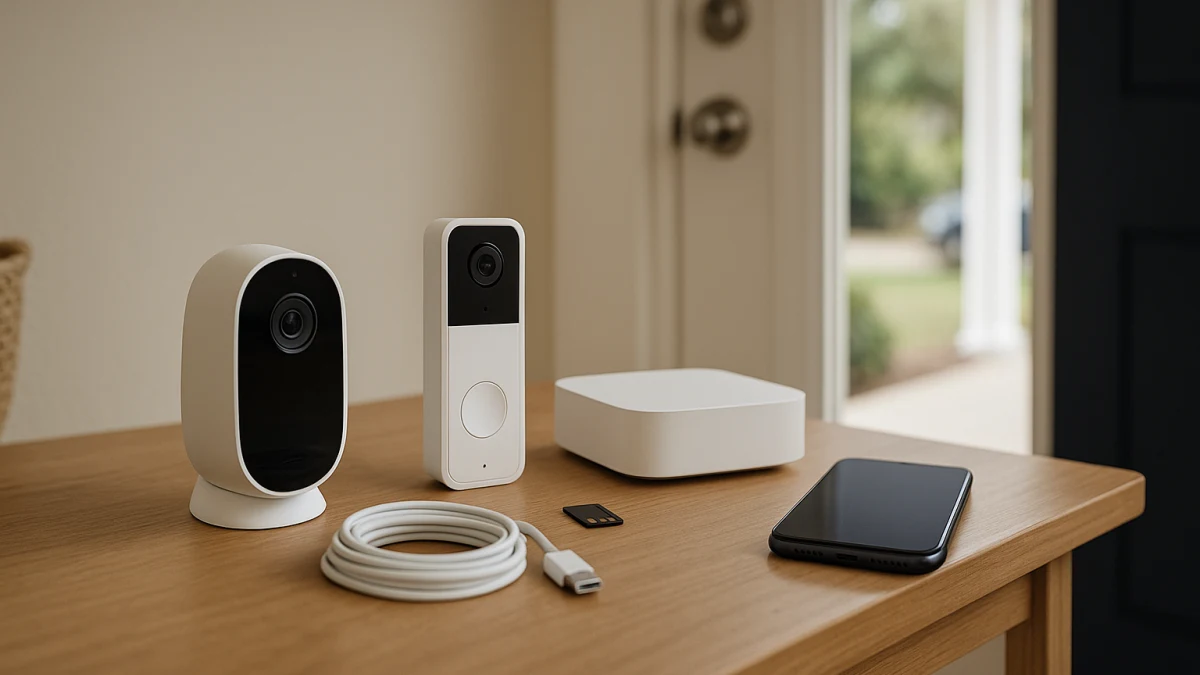
A security camera or video doorbell can be advertised as “no subscription required” and still become much less useful once a free trial ends. The important question is not whether the device turns on without a monthly plan, but whether the functions you actually need—recording, playback, alerts, and detection—continue to work without one.
For saved video, start with the storage architecture. A genuinely subscription-independent setup usually records to storage you control: a microSD card in the device, built-in memory, a local base station, an NVR, or another supported local recorder. Some products also offer optional cloud storage, while others provide little more than live view and basic notifications unless you subscribe.
The second decision is device type. Security cameras are better suited to rooms, yards, driveways, garages, and multi-camera coverage. Video doorbells are designed around one entrance, with doorbell presses, visitors, deliveries, two-way talk, and a front-door field of view.
What should still work without a subscription?
| If you need... | What to verify |
|---|---|
| Live view | Confirm that remote live viewing remains available after any trial ends. |
| Basic motion alerts | Check whether ordinary motion notifications are free and whether smarter classifications are treated separately. |
| Saved event clips | Look for explicit local storage: microSD/TF card, built-in memory, base station, HomeBase, NVR, or another supported recorder. |
| Remote playback of saved clips | Confirm that locally recorded clips can be reviewed through the app while you are away from home without a paid plan. |
| Person, vehicle, or package detection | Check the exact model. These features may run locally on some devices and require a plan on others. |
| Continuous recording | Verify 24/7 recording support and the required storage hardware; do not assume every locally recording camera supports it. |
| Off-site backup | Local storage alone does not provide off-site protection. Check whether cloud or another remote backup option is available and whether it costs extra. |
A useful rule is simple: “works without a subscription” is not the same as “records useful video without a subscription.” A device may offer live view, doorbell notifications, or two-way talk for free while keeping recorded history behind a paid service.
Decode the storage language first
Product listings use several terms for subscription-free recording, but they do not all describe different technologies.
- microSD / TF card: TF is an older name still commonly used for microSD cards in product listings. Verify the supported card capacity and whether the card is included.
- SD card: Some listings use “SD” loosely. Check the specification to confirm the actual card format required.
- Built-in storage: Recording stays on storage inside the device. Check capacity, overwrite behavior, and how footage is exported.
- Base station or HomeBase: Compatible cameras send recordings to a separate local hub. This can centralize storage for several devices, but the hub may be an additional purchase.
- NVR: A network video recorder is usually the stronger fit for multi-camera systems and can support much larger storage capacities. Verify camera compatibility and whether a hard drive is included.
- Optional cloud storage: Local recording may work without a plan while cloud backup is offered separately.
- Free cloud recording: Treat this as model-, account-, and region-specific rather than a permanent substitute for local storage. Check the current terms and what happens after any trial or promotional period.
Storage capacity also matters. Event-only recording can make a memory card last much longer than continuous recording. If you want 24/7 footage, check the estimated retention period, overwrite behavior, and whether the camera supports continuous recording at all.
Local storage removes a monthly fee, not every dependency
A local-storage camera can still depend on the manufacturer's app, account infrastructure, or internet connection for remote access. That is why local recording and remote playback should be checked separately.
Ask four questions:
- Does recording continue if the internet connection goes down?
- Can recorded clips be viewed locally while the internet is unavailable?
- Can those same clips be viewed remotely through the app without a subscription?
- What happens if the camera, card, base station, or NVR is stolen or damaged?
A card inside an outdoor camera is simple and inexpensive, but the recording can disappear with the camera. A recorder or base station placed elsewhere in the home can reduce that risk. Neither is equivalent to an off-site backup.
Security cameras: better for wider and multi-camera coverage
Choose security cameras when you need to watch more than the front door: a driveway, backyard, garage, side entrance, room, detached building, or several areas at once.
For subscription-free use, first identify the recording method. Then compare the camera itself:
- indoor or outdoor rating
- wired, battery, or solar power
- Wi-Fi or Ethernet/PoE connectivity
- event recording versus continuous recording
- night vision
- two-way audio
- motion zones
- local person, vehicle, pet, or other object detection where supported
- maximum local storage capacity
- multi-camera support
Battery and solar designs are particularly convenient where wiring is difficult, but many are designed primarily around motion-triggered clips. If uninterrupted 24/7 recording is important, verify that capability explicitly and check the power and recorder requirements.
Use the products above to compare storage architecture first and headline specifications second. A single-camera microSD setup, a base-station system, and a multi-camera NVR system can all avoid mandatory cloud recording fees, but they serve very different installations.
For one or two locations, storage in the camera may be enough. For several cameras or long retention periods, centralized storage is usually easier to manage. If your real requirement is identifying and speaking with visitors at one entrance, a video doorbell may be the more appropriate device.
When “no monthly fee” means higher upfront cost
Avoiding a recurring storage plan can move some of the cost to hardware instead.
Depending on the system, you may need to buy:
- a microSD card or other removable storage
- a base station or compatible hub
- an NVR and hard drive
- additional storage for a recorder
- Ethernet cabling or PoE hardware
- a doorbell chime or indoor monitor
- mounting or power accessories
Compare the complete system cost rather than the camera price alone. A cheaper camera that requires a proprietary hub, recorder, or separately purchased storage can cost more initially than a cloud-oriented model.
The trade-off may still be worthwhile if the local hardware gives you the recording history you need without an ongoing fee.
Video doorbells: better for visitors, deliveries, and one entrance
Choose a video doorbell when the main job is front-door awareness rather than general surveillance.
Doorbell-specific features may include:
- doorbell-press notifications
- two-way talk
- motion detection near the entrance
- portrait or head-to-toe framing
- night vision
- package or person detection where supported
- an indoor chime or display
- battery or existing-doorbell wiring
- local recording to a card, hub, or recorder
For subscription-free recording, look for explicit local-storage support rather than relying on the phrase “no monthly fee.”
A doorbell that records to microSD or a local hub can preserve missed events without a cloud recording plan. Another model may work perfectly well for live answering without a subscription but stop saving missed events when its trial expires. Those are very different products despite both being usable without a monthly payment.
Read the products above as front-door systems, not substitutes for an entire camera network. A doorbell with an indoor monitor may be useful when in-home visitor viewing matters. A locally recording smart doorbell may be better when you want app access and saved entrance events without recurring cloud storage.
Some doorbells can also operate with a dedicated indoor monitor and little or no dependence on a smartphone. That can be useful for local visitor viewing, but do not assume such a system also provides internet-based remote alerts or playback.
Smart detection is a separate subscription question
Do not treat “motion detection” and “smart detection” as interchangeable.
Basic motion detection usually answers only: did something move?
More advanced systems may classify:
- people
- vehicles
- animals
- packages
- familiar faces
Whether those classifications run locally or require a paid cloud service depends on the exact device and ecosystem. The same applies to features such as rich notification previews, extended video history, searchable event history, cloud backup, and some forms of video summarization.
If one of these features is the reason you are buying the camera, verify that feature specifically rather than assuming it is included because the product advertises local storage.
Check the exact model after any free trial ends
Before buying, verify the no-subscription state of the exact camera or doorbell you are considering:
- Where are recordings stored?
- Is the required card, hub, base station, NVR, or drive included?
- Does motion-triggered recording remain available without a plan?
- Can locally stored recordings be played remotely through the app without a subscription?
- Do live view and two-way talk remain available?
- Which smart detection features remain free?
- Does the device support continuous recording if you need it?
- How much local footage can the system retain before older recordings are overwritten?
- What changes when the included subscription trial expires?
- Is cloud backup optional, unavailable, or required for the features you want?
- Does functionality differ by region or current manufacturer plan?
For a genuinely no-subscription setup, prioritize the device whose recording path, playback method, and essential alerts remain useful after the trial is gone. Choose a security camera when you need wider or multi-camera coverage, and a video doorbell when the front entrance is the main problem to solve. If you need both, a camera system and a doorbell can complement each other rather than forcing one device type to do both jobs.