
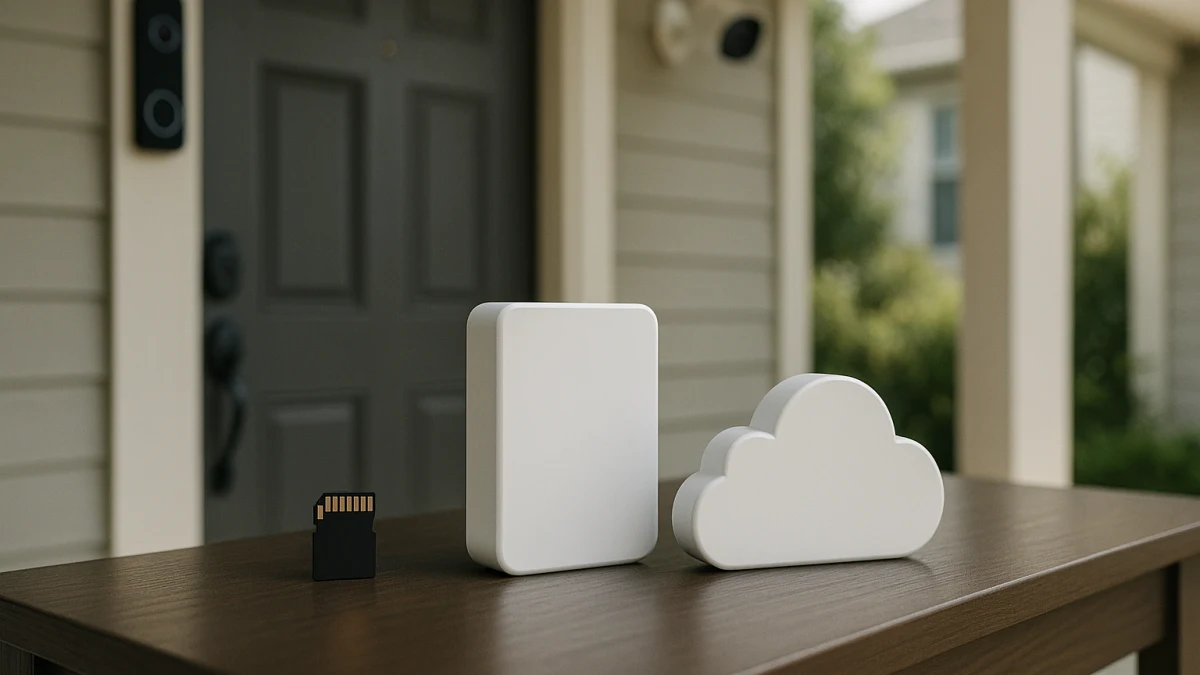
A normal camera category page can put microSD, HomeBase, cloud storage sold separately, cloud backup, and monitoring language next to each other without showing what those choices change. This collection starts with the recording path instead: where the footage lives, what might require a plan, and what you should verify before a low upfront price turns into the wrong setup.
Use storage as the first filter before comparing resolution, power source, or camera style. The main tradeoffs are ongoing storage cost, remote playback and sharing, off-site backup versus footage tied to a device, outage or device-loss resilience, privacy and access-control claims, and whether alerts or longer history are gated behind a subscription. The same questions apply to security cameras and video doorbells, though the product sets here are strongest for camera listings rather than clear doorbell examples.
Choose by where the video needs to live
| If you need... | Better fit |
|---|---|
| Lower ongoing storage costs and visible recording hardware before considering a plan | Local-storage security cameras and doorbells |
| Off-site history, remote playback, sharing, or cloud clips more than avoiding monthly fees | Cloud-storage security cameras and doorbells |
| Local recording as the baseline, with cloud backup available for travel, longer history, or higher-risk periods | Hybrid local-plus-cloud models |
| Emergency response, dispatch, or staffed alarm service | Keep that separate; professional monitoring is not the main storage decision |
First split: where the footage lives
Before comparing individual models, look for the storage path in the listing language:
- Local-first: microSD, SD card, HomeBase, built-in storage, or included HDD storage appear as the recording method.
- Cloud-first: cloud storage, cloud service, cloud storage sold separately, or cloud-storage resolution is presented as the main recording path.
- Hybrid: local terms such as microSD or SD card appear alongside cloud storage, cloud backup, cloud clips, Tapo Care, or similar cloud-plan wording.
- Needs a closer read: alerts, person detection, package alerts, longer history, remote playback, or sharing are mentioned without making clear whether they work locally, require cloud storage, or require a separate plan.
Local, cloud, and hybrid mean visible storage wording here
This page is not trying to rank every security camera feature. It is focused on recording behavior: whether video is stored on a card, hub, built-in memory, included hard drive, cloud service, or some combination of those paths.
That makes the comparison intentionally uneven. Local and hybrid products are easier to inspect because product listings often name microSD, SD card, HomeBase, local storage, or HDD storage. The cloud-first lane is narrower and more plan-sensitive because cloud pricing, retention, free-plan limits, clip history, and feature gates can change and need current verification on the product or manufacturer page.
Keep monitoring plans and recorder projects outside this choice
Storage subscriptions are not the same thing as professional monitoring subscriptions. A paid plan for cloud clips, event history, or remote playback should be compared separately from staffed alarm monitoring, dispatch, or emergency response services.
Also keep full recorder projects in their own bucket. If a listing visibly includes HDD storage or a camera system with storage hardware, it can help you compare local recording. But this page is not a NAS, NVR, DVR, or self-hosted surveillance setup guide.
Local-storage cameras for lower ongoing costs
Choose this lane if your main question is: can I record security footage without making a cloud plan the center of the setup? The products shown here are useful when you want the listing to name local storage before you even think about add-on cloud history.
Look for terms such as microSD, SD card, HomeBase, built-in storage, and included HDD storage. Those words help you compare how clear each product is about recording locally. Multi-camera systems with visible HDD storage can belong in this inspection set, but only as products with included storage hardware, not as a reason to plan a separate recorder infrastructure project.
Read these products by asking what the local path actually covers. Local recording can reduce reliance on paid cloud video history, but it does not automatically make every feature free, private, encrypted, or available without internet. Check storage capacity, whether the card or drive is included, how remote app access works, and whether alerts or playback features require a plan. If you want off-site footage when a device is damaged or removed, compare this lane against hybrid or cloud-first options.
No-subscription wording still needs a feature check
A local-storage phrase can prevent one mistake while hiding another. Before treating a camera as subscription-free, check for these traps:
- Storage is local, but alerts are gated. Person detection, package alerts, AI motion filtering, or rich notifications may have separate plan rules.
- Recording is local, but remote playback is unclear. App access and sharing can be different from basic recording.
- A card slot is listed, but capacity is not enough for your use. Confirm supported card size, whether a card is included, and what happens when storage fills.
- Footage is on the device or hub. That may be fine for cost control, but it is different from off-site cloud history if the camera, hub, card, or drive is lost or unavailable.
Cloud-storage cameras for remote access and off-site history
Use this shorter lane when cloud storage is the main reason you are comparing products. Cloud-first listings can make sense if off-site history, remote playback, sharing, or cloud event clips matter more than avoiding a monthly fee. Treat phrases like cloud storage sold separately, cloud service, cloud storage as an additional function, or cloud-storage resolution as prompts to review the plan details.
The cloud-first group is intentionally narrow. Do not assume cloud storage includes advanced AI, person detection, package alerts, long history, or a generous free tier. If the product also advertises microSD, SD card, HomeBase, HDD, local storage, or NVR-style recording, it belongs in the hybrid or local comparison instead of this cloud-first lane.
Cloud plan details need current verification
Cloud storage is where old assumptions get expensive. Before checkout, verify the current product and manufacturer terms for:
- whether cloud storage is included, optional, or sold separately;
- how much video history or event history is available;
- whether free-plan limits apply;
- whether clips, sharing, higher-resolution cloud storage, or multiple cameras change the plan requirement;
- whether person detection, package alerts, or AI motion alerts are included or gated;
- what privacy, encryption, and account-access claims are actually documented.
Avoid comparing cloud plans from memory. Treat the product page and the manufacturer’s current plan page as the source of truth.
Hybrid cameras when local recording needs cloud options
This is the middle path for shoppers who want local recording available but do not want to rule out cloud backup, cloud clips, or paid features later. Look for paired wording: microSD, SD card, local storage, or HomeBase on one side, and cloud storage, cloud backup, cloud clips, Tapo Care, or encrypted cloud storage language on the other.
Hybrid models can reduce the risk of buying a camera that only meets your recording needs after adding a plan. They are not automatically no-subscription cameras, though. The key question is what works from local storage alone and what moves behind the cloud option.
Use these products to compare flexibility. A hybrid product may be better than local-only if you travel often, want off-site backup during certain periods, or want cloud clips for easier sharing. It may be better than cloud-first if you want a local baseline for everyday recording. Still verify whether local and cloud copies are both created, how accessible each copy is, and whether alerts, longer history, or cloud clips depend on a paid plan.
Checkout checks for storage, alerts, and history
Before choosing any camera or doorbell, confirm the exact storage behavior instead of relying on the lane label:
- Local capacity: supported microSD or SD card size, whether storage media is included, and whether a hub or HDD is part of the package.
- Recording type: continuous recording, event-only recording, or another mode, as described on the product page.
- App access: whether live view, playback, downloads, sharing, or remote access work the way you expect.
- Cloud dependency: whether cloud storage, cloud backup, or cloud clips are included, optional, or sold separately.
- History and retention: how much recorded history you get locally or in the cloud, verified from current product terms.
- Alerts and detection: whether person detection, package alerts, AI motion alerts, or richer notifications require a plan.
- Resilience: what happens if internet access, power, the camera, the card, the hub, or the drive is unavailable.
- Privacy and control: do not assume local or cloud storage is automatically more private or secure; check documented encryption, account access, and privacy controls.
Choose the storage path first, then verify the exact app features, retention, local capacity, and subscription dependencies before checkout.