
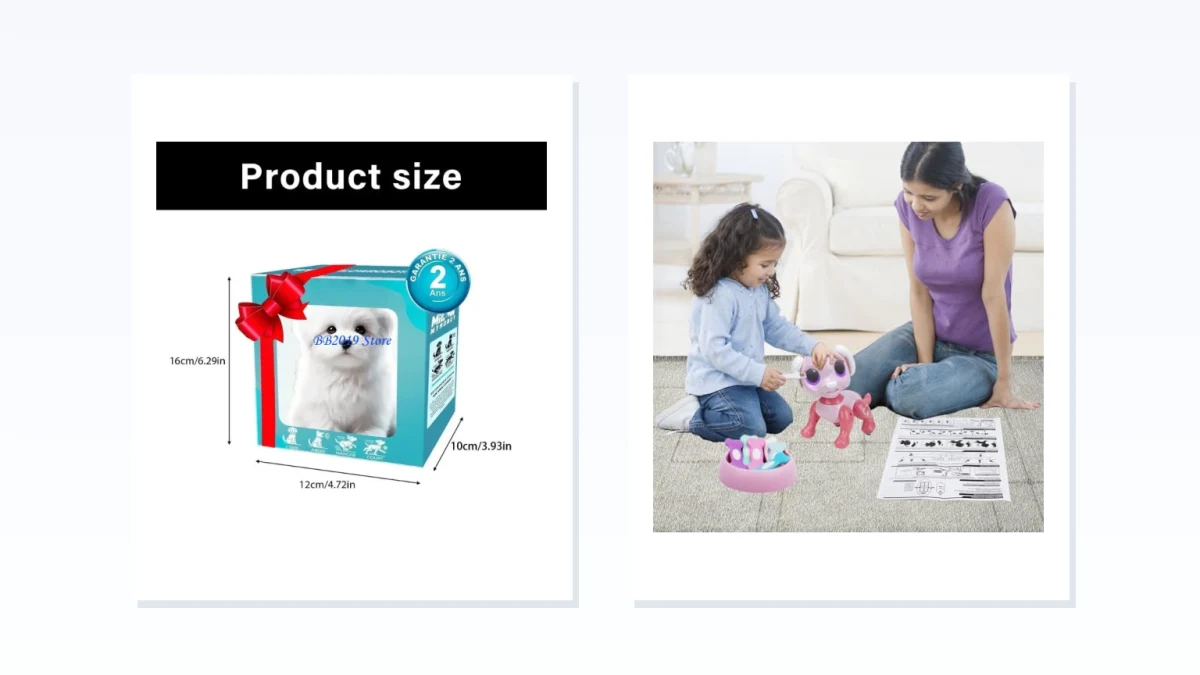
“Robot pet” is a loose label for two very different kinds of products. One is an animated plush animal that performs a small set of pet-like actions, such as walking, barking, or wagging its tail. The other is an interactive robot dog designed around commands, tricks, dancing, stunt movement, remote or gesture control, assembly, or programming.
The right choice depends less on how realistic the dog looks than on what the user is expected to do with it. A plush model is usually about watching and responding to a simple behavior loop. An interactive robot turns the experience into active play: steering it, issuing commands, building it, or arranging actions in a sequence.
Start With the Kind of Interaction You Want
Choose an animated plush pet when the main appeal is a soft exterior, familiar animal-like movement, and minimal setup. It can be a better fit when nobody wants to manage an app, learn a remote, or work through an assembly project. Do not assume that plush also means quiet, cuddly, or calming, however. Motors, speakers, and battery compartments can make parts of the body firm, and barking or mechanical movement may be more noticeable than the product photos suggest.
Choose an interactive robot dog when the fun is supposed to come from controlling what happens. Remote steering, gestures, tricks, dancing, programmable sequences, and DIY construction all create more active play, but they also introduce more decisions: how the controls work, how much setup is required, what devices are compatible, and how much floor space the robot needs.
For a low-stimulation room, look for documented volume controls, a mute option, predictable movement, and an easy way to stop the toy. A soft exterior alone does not establish any of those things.
Animated Plush Robot Pets: Simple Behavior Without a Control System
Animated plush pets typically focus on a short set of recognizable behaviors rather than open-ended interaction. Walking, barking, and tail movement can be enough for someone who wants an animated stuffed animal without steering, programming, or phone setup.
Compare the exact behavior loop rather than relying on words such as “lifelike” or “companion.” Check what starts the movement, whether the toy stops automatically, and whether sound and motion can be controlled separately. A product that repeats one walking-and-barking sequence will feel very different from one that reacts to touch or offers several modes, but responsiveness should never be assumed unless the listing or manual describes it clearly.
Floor performance also matters. Look for a demonstration of the complete movement rather than a short edited clip, and note the surface used in the video. Movement shown on smooth flooring does not confirm that the toy can cross thick carpet, thresholds, or uneven surfaces. If the product cannot steer, consider where it will travel and whether someone will need to turn it around repeatedly.
Plush construction creates its own tradeoffs. The motor, speaker, and battery box may produce hard areas beneath the fabric, so do not assume the toy will feel like an ordinary stuffed animal when held. Check the cleaning instructions as well. Electronics often limit how the exterior can be washed, and a product should not be treated as machine-washable unless the manufacturer explicitly says so.
Before buying, confirm whether the sound can be muted or adjusted. “Barks” may describe anything from an occasional sound effect to audio that plays during every movement cycle. Product descriptions often emphasize that a toy makes sounds without explaining their volume, duration, or whether they can be disabled.
Power is another practical difference hidden by similar-looking designs. Check whether the toy uses replaceable or rechargeable batteries, whether batteries are included, how the compartment opens, and whether a screwdriver is required. Any runtime figure should be treated as a manufacturer claim unless it has been independently measured.
Terms such as “companion,” “comforting,” or “lifelike” describe positioning, not proven emotional or therapeutic outcomes. Choose this type of robot pet for its physical design and documented behaviors, not for an implied health benefit.
Interactive Robot Dogs: Remote Play, Tricks, Building, and Programming
Interactive robot dogs may share the same basic silhouette, but the experience changes sharply with the control system. One model may function like a remote-controlled vehicle with a dog-shaped body. Another may recognize a fixed set of gestures, perform preset dances, arrive as a construction kit, or let the user arrange commands into a sequence.
Remote and Gesture Control
A remote-controlled robot usually offers the quickest route from opening the box to active play. Compare the number and clarity of the controls, the documented operating range, the batteries required by both the robot and remote, and whether the robot has an obvious stop command.
Gesture control can be entertaining, but it should be judged by the commands the manufacturer actually documents. Check which gestures are recognized and whether a remote or physical button provides an alternative when gesture control is inconvenient. Do not assume that “gesture sensing” means the robot understands unrestricted hand movements.
Also check whether tricks can be selected individually or only played as part of a preset routine. A long list of advertised actions may sound impressive while offering little control over the order in which they occur.
DIY Assembly and Programmable Play
A construction kit is a project before it becomes a toy. Confirm how much assembly is required, whether tools are included, whether an adult is expected to help, and whether the package contains small parts covered by age-specific warnings. Product photos of the completed robot do not show how long it takes to reach that point.
“Programmable” can mean several different things. Some toys merely record a short sequence of button presses. Others use a mobile app, visual coding blocks, or a documented programming environment. Look for screenshots, manuals, or a clear description of the programming process. Words such as “smart,” “AI,” and “coding” do not by themselves prove that a child can create new behaviors.
For app-controlled models, verify:
- which phone or tablet operating systems are supported;
- whether an account or internet connection is required;
- whether the app is available in the buyer’s region;
- whether the robot retains useful controls without the app;
- what permissions the app requests;
- whether the manufacturer still provides the app and setup instructions.
An app can add depth, but it can also become a single point of failure. A robot with physical or remote controls remains more usable if the app is removed from an app store, stops supporting an older device, or requires a service that is no longer available.
Wheeled, Climbing, and Stunt Robots
Wheeled and stunt-oriented robot dogs trade animal-like movement for speed, turning, climbing, or dramatic maneuvers. That can be the right compromise when the goal is active floor play rather than realism.
Check the robot’s dimensions, turning space, supported surfaces, and indoor or outdoor guidance. Unless stair or edge detection is explicitly documented, do not assume the robot will stop before a drop. Fast-moving models also need a clearer play area than a plush walking toy, particularly around stairs, fragile objects, pets, and feet.
Lights, music, spoken prompts, and motor noise may accompany every stunt. Anyone buying for a shared room or a user who is sensitive to repetitive sound should confirm whether those effects can be reduced or switched off.
Match the Setup to the User, Not Just the Age Label
The manufacturer’s age recommendation is an important starting point, but it does not explain the entire experience. A toy can be age-appropriate from a safety standpoint while still requiring more reading, assembly, coordination, or device setup than the intended user will enjoy.
For a younger child, check the complexity of the remote, the presence of small parts, battery-compartment access, and whether an adult must assemble or configure the robot. For an older child, look beyond the number of advertised tricks and ask whether the toy offers anything to explore after the preset demonstrations become familiar.
For a gift, find out whether the robot can be used immediately. Batteries may not be included, rechargeable models may arrive without a full charge, DIY versions may require a substantial build, and app-controlled products may need a compatible phone and account before the first movement.
Check Connected Features and Privacy
When a robot uses an app, microphone, camera, Bluetooth connection, or Wi-Fi, treat it as a connected device rather than an ordinary battery-powered toy. Review the documented permissions and privacy information before setup, especially when the primary user is a child.
Check whether recordings or account data are stored, whether an account can be deleted, and whether core functions remain available offline. Do not infer conversational ability, emotional understanding, or learning from the presence of a microphone or an “AI” label. Those capabilities should be described concretely by the manufacturer.
What to Verify Before Buying
Use the individual product page and, when available, the manual to confirm:
- Interaction: What triggers the robot, and which actions can the user control directly?
- Sound: Can barking, music, or spoken prompts be muted or adjusted?
- Power: Is the battery rechargeable or replaceable, what powers the remote, and what accessories are included?
- Movement: Can it turn, reverse, stop promptly, and operate on the intended floor surface?
- Space: How much room does it need, and is any stair or obstacle detection documented?
- Setup: Does it require assembly, an app, an account, internet access, or adult help?
- Programming: Can the user create new sequences or code, or does the toy only replay preset tricks?
- Care: How should the exterior be cleaned, and are replacement parts or support available?
- Age and safety: What age label, small-parts warning, charging guidance, and supervision instructions apply to the exact model?
The most useful distinction is not realistic versus futuristic. It is simple, self-contained animation versus user-directed play. An animated plush pet works when a short set of animal-like motions is enough. An interactive robot dog makes more sense when the user wants commands, stunts, building, or programming and is prepared for the additional setup.
Neither design should be purchased on an unsupported promise of companionship, calming, or therapy. Treat a robot pet as a toy or consumer device, and judge it by the behaviors, controls, limitations, and support the manufacturer can actually document.