
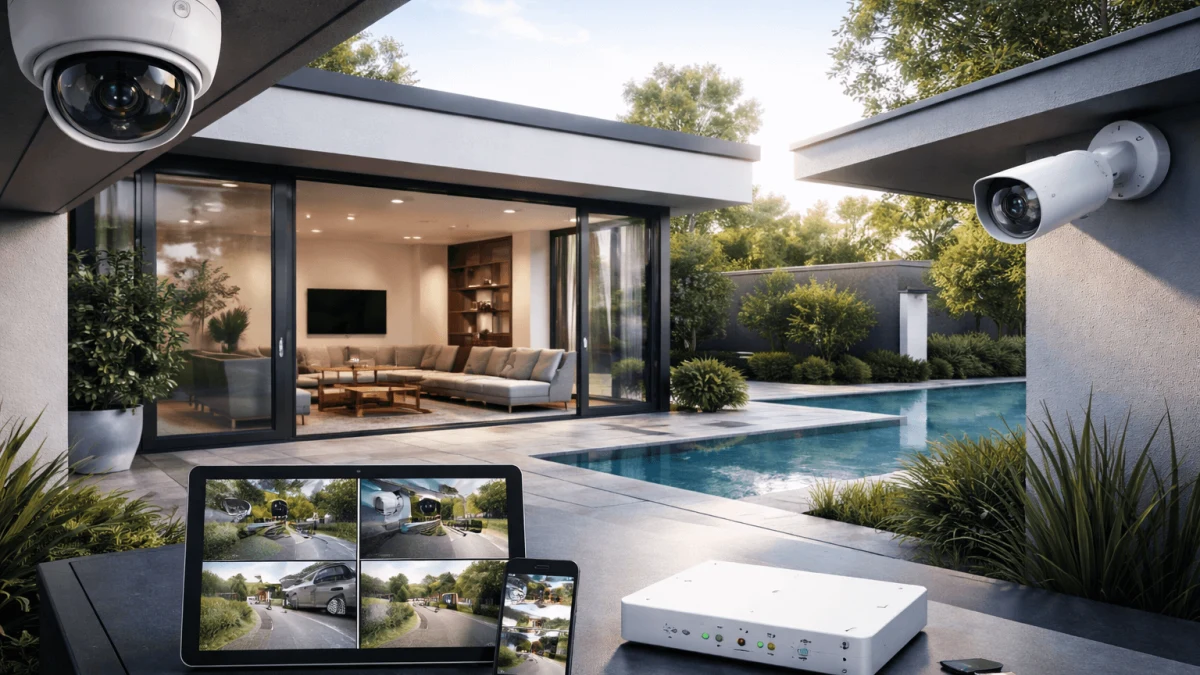
If you’re a privacy-focused homeowner who refuses cloud storage, you’re already ahead of the game—most people buy a camera, install an app, and accidentally sign up for a lifetime of “why is my front porch on somebody else’s server?”
Your real decision isn’t “which camera is best?” It’s which failure mode you can live with: a networked system you must harden, a battery system you must babysit, or an air-gapped/edge system you must maintain deliberately (because “sealed” doesn’t magically mean “secure forever”). Below is how I’d choose—based on reliability, evidence quality, and how much you want your home network involved.
Prioritizing Continuous Surveillance with PoE Wired Systems
If you care about never missing the moment, PoE + a local NVR is the grown-up answer—as long as you’re willing to treat the camera network like a mildly hostile environment.
Why PoE/NVR wins on “actual security camera” basics
Battery cams are great until they aren’t. With PoE, you get steady power and a stable link, which makes true 24/7 recording realistic. That matters if you ever need to answer questions like “What happened before the motion alert?” or “Did they circle the house first?”
A good example of the category is Hiseeu 8CH 8 million pixels resolution. It’s explicitly an 8‑channel setup with 8 camera ports, uses H.265 compression, and includes a PoE NVR plus the cables and accessories you’d expect (mouse, HDMI cable, 20m LAN cables). The catch: it also lists remote monitoring (App)—which is convenient, but it’s also the exact feature that can quietly expand your attack surface if you expose it to the internet.
If you’re scaling bigger, PANOOB PD93A2032-5M AI Human Detection shows what “serious retention and coverage” looks like: 32 channels and 8 TB storage capacity with PoE power. That’s the kind of headroom that lets you keep higher retention without constantly pruning footage.
And if you’re more in the middle, Hiseeu YHB88 PA YHB812 PA White Power Over Ethernet (PoE) highlights the camera-side capabilities you’d want for a local system: H.265, IP67 weather rating, ONVIF 2.0 compatibility, and optional SD card up to 256GB (useful as a fallback even if you primarily record to NVR).
The privacy/security trade: network exposure is real—but manageable
Your worry here is valid: a networked NVR/camera stack is an always-on computer with lenses. The fix isn’t “avoid PoE,” it’s “contain PoE.”
Actionable hardening that keeps the benefits without turning your LAN into a soap opera:
- Put cameras + NVR on their own VLAN/subnet (no access to your personal devices).
- Block outbound internet for the camera VLAN unless you explicitly need it.
- If you want remote viewing, do it with a VPN into your home rather than exposing camera/NVR ports.
- Keep admin passwords unique and long, and disable unused services.
Takeaway
Choose PoE + local NVR if you want the most reliable evidence and the fewest recording gaps. Just budget time (or gear) for segmentation—because “I bought privacy gear” doesn’t automatically mean “I installed it privately.”
Flexibility in Installation with Battery-Powered Cameras
If your top priority is 'minimal wiring, minimal networking, minimal fuss,' battery cameras with onboard storage can be a good tool—but they’re a shaky foundation for security evidence.
Where battery + local storage actually makes sense
These shine in awkward spots: a shed, a gate, a rental, or anywhere running Ethernet is a weekend-ruiner. Shenzhen Puge Electronics Co., Ltd. T50 Linen AI Human Detection is a clean example: it’s battery powered, uses Wi‑Fi, records 1080p video in MP4, and covers both outdoor and indoor usage. MP4 is a practical detail—if you ever need to hand footage to someone, 'normal file formats' reduce headaches.
If you want higher resolution at the door, eufy Security E340 Black Dual cameras for comprehensive viewing lists 2K video and runs on a rechargeable battery, again over Wi‑Fi. Doorbells are often where people most want quick footage and easy installation, so this category can be a reasonable compromise—especially if you’re okay with 'event-focused' recording.
There are also off-grid-ish options like Solar WiFi 4G Camera with Two-Way Audio and Motion Tracking Eco-friendly solar power for continuous operation, which is battery + solar powered and can connect via 4G EU and/or WiFi. That’s useful when you truly don’t want to touch your home network at all—but remember: cellular connectivity is still 'network connectivity,' just via a different pipe.
The two big failure modes: uptime and retention
Battery cams tend to miss things in very boring ways:
- Battery drain → no footage when you need it.
- Storage wrap (or missed writes) → the 'one day you needed' is overwritten.
Even when a product claims 'continuous monitoring,' you’re still managing power and storage constraints. For example, while AOV Three Lens Surveillance Camera Three lens design for multi-area coverage claims 24/7 recording, that depends heavily on solar exposure, battery health, and cellular stability—three more moving parts than a wired setup.
Takeaway
Pick battery + onboard storage when wiring is genuinely impractical and you can tolerate maintenance. If you’re thinking 'set and forget for years,' battery cams will eventually remind you that nothing powered by a battery is truly set-and-forget.
Maximizing Privacy with Air-Gapped Edge-AI Cameras
If you want maximum privacy, the instinct is right: keep footage and analytics local. The catch is that “air-gapped” and “edge AI” get thrown around loosely—some products still rely on Wi‑Fi and app ecosystems.
What to love about on-device analytics (when it’s real)
The ideal here is: camera does detection locally, stores locally, and never needs to talk to the internet. That minimizes data leakage and reduces the number of remote attack paths.
However, many available products may not offer true air-gapped functionality. The EKOLVOSK QC5 2.5K Ultra HD resolution is Wi‑Fi and corded electric, records MP4, and is indoor. As a network device, it may pose risks unless used in an isolated manner with no outbound access.
Additionally, the Wireless Video Doorbell With Camera Wireless connectivity is explicitly wireless and provides real-time alerts. Useful, yes; but real-time alerts often imply an app pipeline that may increase exposure unless you can keep it strictly local.
The Xiaomi C300 360-degree coverage and Mi C400 360° panoramic view both emphasize 360-degree viewing plus motion detection and night vision. These are practical surveillance features, but again: the privacy promise depends on whether you can operate them without cloud dependencies and whether you can update them safely over time.
The uncomfortable truth: sealed/no-update devices can become liabilities
Your third worry is the one most people miss: if the device can’t be updated (or updates are difficult), you might be freezing in time with old firmware. Even if it’s “air-gapped,” it still touches your home physically, and you may eventually connect to it for export or maintenance.
What I’d do if you’re chasing maximum privacy:
- Prefer setups where you can control networking (local-only access, no outbound).
- Plan an update strategy: either a controlled local update process, or accept replacement on a schedule.
- Don’t confuse “no cloud” with “no risk.” It’s less risk in some ways, but not zero.
Takeaway
Edge/local analytics is a great direction for privacy, but verify the reality: if it’s Wi‑Fi + app-driven, treat it like any other networked camera. “Air-gapped” only counts if you can truly keep it off networks—and still maintain it safely.
Securing Evidence with Centralized Storage
If you might need footage for insurance or legal use, your #1 goal is boring but critical: predictable retention + easy export + trustworthy timestamps.
Centralized recording helps, but it’s a single juicy target
An NVR (or any centralized storage) is great because you can:
- Keep footage longer (more disk, fewer tiny cards)
- Export from one place instead of climbing ladders to pull microSD cards
- Standardize settings like resolution and recording schedules
But yes—if compromised, centralized storage exposes everything. So protect the recorder like you’d protect a laptop that contains sensitive files: limited access, strong credentials, and ideally isolated from your everyday devices.
What to look for so footage is usable later
For evidence, prioritize:
- Standard formats (e.g., MP4 is a good sign when available)
- Clear timestamps and consistent time settings
- A straightforward export process (USB/export tool that doesn’t require a flaky app)
Also think about physical security: if someone can steal the recorder, they can steal the evidence. Even a perfect privacy setup fails if the box walks away.
Takeaway
Central storage is often the difference between “I think something happened” and “here is the timeline.” Just don’t leave the timeline in an easy-to-steal or easy-to-reach place—digitally or physically.
Balancing Convenience with Remote Access Features
Remote access is the feature that most often sneaks cloud back into a “no cloud” plan—sometimes through the front door, sometimes through a side window you didn’t notice.
Decide what you actually need
Ask yourself:
- Do you need live view while traveling, or is it enough to review footage when you’re home?
- Do you need instant alerts, or just reliable recording?
If you don’t need remote access, your safest option is simple: don’t enable it. If you do need it, the privacy-friendly approach is usually:
- Keep the system local-only by default
- Use VPN-based remote access to reach it when necessary (rather than exposing it publicly)
Takeaway
Remote access isn’t “bad,” it’s just expensive in security budget. Spend that budget intentionally: VPN in, don’t poke holes out.
Reliable Footage Export for Legal and Insurance Needs
The best camera in the world is useless if exporting footage feels like defusing a bomb—and you end up with a weird file nobody can open.
Make “export” part of your buying criteria
Before you commit, confirm you can:
- Export clips in a common format
- Include timestamps in the exported video (or alongside it)
- Pull a segment that includes before and after the incident (not just the motion snippet)
Also consider chain-of-custody basics: keep original files, make copies for sharing, and document the time/date you pulled them.
Takeaway
If “I can export this cleanly” isn’t true on day one, it won’t magically become true when you’re stressed and on the phone with insurance.
Mitigating Maintenance Challenges for Longevity
Your system will only be as good as your willingness to maintain it—so choose the kind of maintenance you’ll actually do.
Match the system to your personality
Be honest:
- If you hate recurring chores, avoid setups that require frequent battery charging, card checks, or manual cleanup.
- If you enjoy tinkering, you can run tighter privacy controls (segmentation, local-only access, controlled updates) and reap the rewards.
A simple maintenance routine that keeps you covered:
- Monthly: spot-check playback from each camera (not just live view)
- Quarterly: verify time sync/timestamps, test export, inspect mounts/cabling
- Annually: review firmware/update approach and replace failing storage
Takeaway
The “best” privacy system is the one you’ll keep healthy. Build a 10-minute monthly habit and you’ll prevent 90% of the painful surprises.
Budget-Friendly Options without Compromising Security
If you’re trying to stay on budget, don’t cut costs in the places that create permanent regret: retention, reliability, and basic security controls.
Spend where it matters
Prioritize:
- Fewer cameras with better placement over lots of weak coverage
- Adequate storage/retention (so you don’t overwrite evidence)
- Weatherproofing for outdoor cameras (replacing dead cameras is not a savings plan)
If money is tight, a pragmatic path is often:
- Start with the highest-value angles (front door/driveway)
- Choose a system you can expand later (more channels/cameras)
- Avoid paying for “smart” features that require remote services you don’t want
Takeaway
Buy the system that meets your non-negotiables first (local storage, reliable capture). Fancy analytics and extra cameras can come later—missing footage can’t.