
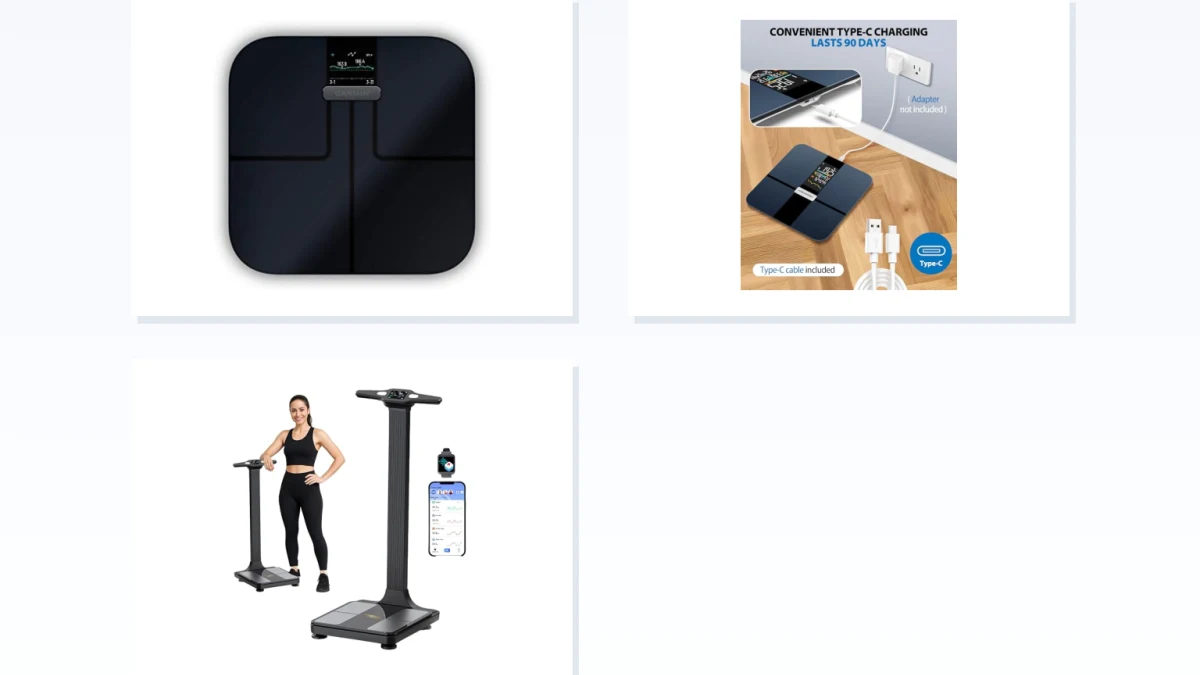
Most smart-scale category pages group products by price, brand, or body-composition features. For syncing, the more useful question is what happens to the measurement after you step off. A Wi-Fi-capable scale may upload a weigh-in without the phone being present, while a Bluetooth model normally uses the phone as part of the transfer path. But neither behavior follows from the radio label alone: some Bluetooth scales store readings for later sync, and many Wi-Fi scales also use Bluetooth for setup or another part of the workflow.
The decision is therefore not simply “Wi-Fi or Bluetooth.” It is whether your usual weigh-in can reach the companion app and then the health platform you use when the phone is elsewhere, the app is closed, or the network is unavailable. The sections below use three practical catalog lanes—listings that mention Wi-Fi, listings that mention Bluetooth without Wi-Fi, and listings that mention both—while treating the manufacturer's current documentation as the final authority.
Pick by Your Actual Weigh-In Routine
| Your routine | Start with | Verify before choosing |
|---|---|---|
| You want to weigh yourself while the phone stays in another room. | A Wi-Fi-capable smart scale | Automatic upload after setup, behavior during a Wi-Fi outage, and local measurement storage |
| Your phone is normally nearby and using the companion app is acceptable. | A Bluetooth-capable smart scale | Whether the app must be open, whether readings can be stored for later sync, and background-sync behavior |
| You want both radios available. | A Wi-Fi + Bluetooth model | What each radio actually does and whether Bluetooth is a real fallback when Wi-Fi is unavailable |
Sync Path Only: Accuracy and Body-Composition Claims Are Separate Questions
This page is intentionally narrow. It covers smart bathroom scales and the path a measurement takes from the scale to its companion service and health apps. It does not rank body-fat accuracy, clinical validity, electrode design, or the usefulness of individual body-composition estimates.
Baby scales, kitchen scales, luggage scales, physician scales, blood pressure monitors, thermometers, and unrelated connected weighing devices are outside this comparison. If your main question is whether a scale measures body fat or another composition metric accurately enough for your needs, that requires a different comparison.
A Smart Scale Can Have More Than One Sync Step
“Works with Apple Health” or “syncs with Google Fit” does not necessarily describe the connection between the scale and your phone. In a typical smart-scale workflow there can be several separate links:
- The scale records the measurement.
- The measurement reaches the manufacturer's app or account through Bluetooth, Wi-Fi, or another supported path.
- The companion app or service shares eligible data with Apple Health, Health Connect, Google Fit, Fitbit, or another platform.
A product can succeed at the first two steps and still fail to put the reading where you expect because the third-party integration is missing, disabled, or limited to particular data types. Treat connectivity and health-platform integration as two separate specifications.
Connectivity Labels Can Hide a Second Radio
Catalog cards are useful for discovery, but absence of a radio name is not proof that the hardware lacks it. A listing that says “Wi-Fi smart scale” may omit Bluetooth even when Bluetooth is used during setup. A Bluetooth-focused listing may also leave out other connectivity supported by the exact model.
That matters here because the three sections are catalog lanes, not hardware certifications. Before deciding that a product is genuinely Wi-Fi-only, Bluetooth-only, or dual-mode, check the manufacturer's specifications and setup instructions for the exact model.
Wi-Fi Smart Scales: Best Candidates for Phone-Free Weigh-Ins
If the phone normally stays outside the bathroom, a scale with confirmed automatic Wi-Fi uploading is the strongest starting point. Once the scale has been configured and associated with the correct account, supported models can send completed measurements over the network without requiring the phone to be beside the scale for every weigh-in.
The important word is confirmed. A Wi-Fi mention on a catalog card does not tell you whether the phone is unnecessary after setup, whether the measurement is stored when Wi-Fi is down, or whether another radio is used for pairing and recovery.
For each product shown here, verify four things on the current manufacturer page:
- whether completed weigh-ins upload automatically over Wi-Fi;
- whether the scale stores readings while the network is unavailable;
- how stored readings are uploaded later;
- whether Bluetooth or another connection is also part of setup or syncing.
This lane is most useful when you want the normal weigh-in to require as little interaction with the phone as possible.
Wi-Fi Has a Setup Tradeoff, but Do Not Infer Battery Life From the Radio
A Wi-Fi scale normally needs network configuration before automatic uploads can work. If the network name, password, router, or supported network configuration changes, the scale may need to be reconfigured.
Battery behavior is a separate specification. Do not assume that every Wi-Fi model has shorter battery life, that every Bluetooth model lasts longer, or that either radio implies a particular power system. Smart scales can use replaceable AA or AAA batteries, rechargeable batteries, or other arrangements.
Compare the stated power source, the manufacturer's battery-life estimate if one is provided, and the steps required after a network change. The connectivity label alone is not enough to predict upkeep.
Bluetooth Smart Scales: The Phone Is Part of the Sync Path
For scales whose current documentation confirms Bluetooth syncing without Wi-Fi, the phone is normally the bridge between the scale and its companion app. That does not automatically mean the app must be open during every weigh-in.
Some Bluetooth scales can keep one or more measurements locally and transfer them the next time the phone and app reconnect. Others expect a live connection during the measurement. Background behavior can also depend on the companion app, operating-system permissions, and the way the manufacturer implemented syncing.
For the Bluetooth-focused products shown here, check:
- whether you can weigh yourself with the phone out of range;
- whether unsynced measurements are stored on the scale;
- how many measurements can be retained;
- whether stored readings keep the correct date, time, and user;
- whether syncing requires the companion app to be open in the foreground.
This is more useful than assuming every Bluetooth scale follows an “open app, step on scale, wait for sync” routine.
Dual-Mode Wi-Fi + Bluetooth Smart Scales: Two Radios Do Not Guarantee a Fallback
Listings that explicitly name both Wi-Fi and Bluetooth appear to offer the most flexible connection path, but the presence of both radios does not explain how they are used.
A model may use Bluetooth mainly for initial pairing and Wi-Fi for routine uploads. Another may allow measurements to sync through either path. A third may contain both radios but offer no automatic Bluetooth fallback when the configured Wi-Fi network is unavailable.
Before treating dual-mode connectivity as an advantage, confirm the actual workflow:
- What happens after a normal weigh-in when Wi-Fi is working?
- What happens when Wi-Fi is unavailable?
- Can Bluetooth transfer the missed measurement?
- Must the app be opened manually?
- Are unsynced readings stored until one of the supported paths becomes available?
If the documentation does not answer those questions, “Wi-Fi + Bluetooth” is a hardware description rather than proof of a more resilient sync routine.
Apple Health, Health Connect, Google Fit, and Fitbit Are a Separate Compatibility Check
Health-platform support should be checked on the exact model and its current companion app. A catalog card mentioning Apple Health, Google Fit, Fitbit, Samsung Health, or another platform does not necessarily mean the scale communicates with that platform directly. Usually the manufacturer's app or cloud service performs the sharing.
For Apple users, verify that the companion app can write the measurement types you care about to Apple Health. On Android, check the companion app's current support for Health Connect as well as any Google Fit integration it advertises. If Fitbit or another account is the destination, verify that connection separately.
Also check which metrics are shared. A scale may transfer weight to a health platform while keeping some body-composition measurements inside its own app.
Before You Follow a Retailer Link, Check These Five Things
- Exact connectivity: confirm Wi-Fi, Bluetooth, or both from the manufacturer's current specification rather than inferring it from a catalog title.
- Phone-free behavior: if the phone will not be nearby, confirm that normal weigh-ins can upload without it.
- Offline behavior: find out whether measurements are stored when the preferred sync path is unavailable and how they catch up later.
- Health-platform path: verify the exact Apple Health, Health Connect, Google Fit, Fitbit, Samsung Health, or other integration you intend to use.
- Power and setup: check the battery type, any published battery-life estimate, network requirements, and the process for changing Wi-Fi settings.
The most useful smart scale is not necessarily the one with the most radios. It is the one whose complete data path matches your routine: step on the scale, let the measurement reach the companion service with the amount of phone involvement you are willing to accept, and then confirm that the data can reach the health platform where you actually track it.