
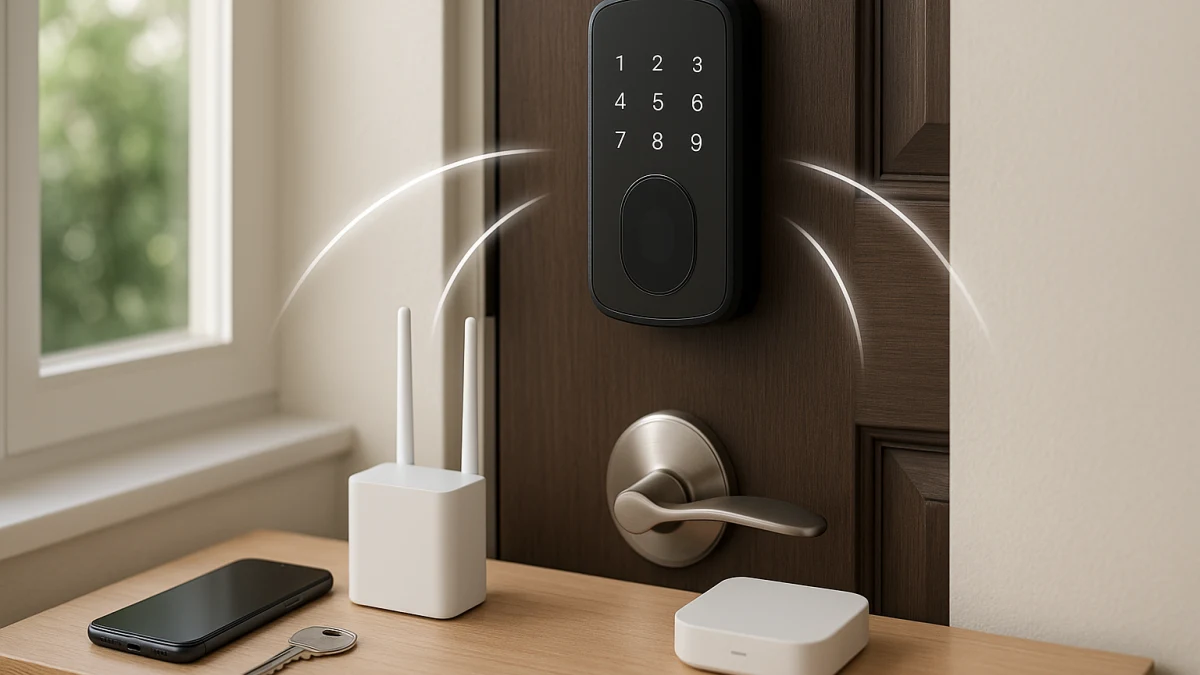
Smart locks can look alike in a product grid because many mention an app, codes, voice control, or remote features. The connection path is what changes daily use: whether you can control the lock after leaving home, whether you need another component, what local entry still works during an outage, and how much ecosystem setup you are taking on.
This page compares smart locks by the consequences shoppers actually feel: direct built-in Wi-Fi, Bluetooth or local-first control, and hub, bridge, Matter, Thread, or Z-Wave compatible setups. Use it to avoid buying a lock that sounds app-enabled but lacks away-from-home control, or a lock that requires a gateway, controller, border router, or upgrade kit you did not plan to buy.
Start with the control you expect after you leave home
| If you need... | Better fit to compare first |
|---|---|
| Lock, unlock, check status, receive alerts, or use voice control from away from home with fewer extra components | Built-in Wi-Fi smart locks, as long as the listing clearly says Wi-Fi or built-in WiFi, remote access, and no hub or bridge required |
| Keypad entry, fingerprint entry, user codes, one-time codes, auto-lock, or a nearby phone app at the door | Bluetooth or local-only smart locks; treat remote access as absent unless the exact model confirms it |
| Automations through a smart home platform, or you already accept a gateway, bridge, controller, border router, Z-Wave hub, or upgrade kit | Hub, bridge, Matter, Thread, or Z-Wave compatible smart locks, after verifying the required component and ecosystem support |
| A video doorbell bundle or monitoring plan decision | Use this page only as a lock-connectivity check; those are adjacent decisions, not the main connection path |
As you compare, keep five questions in view: is control away-from-home or nearby only, is an extra component required, what battery type and battery claims are stated, what local fallback methods are listed for outages, and whether the exact lock supports your ecosystem.
Choose by remote reach, not by the word app
The word “app” is not enough. A lock can have an app for nearby Bluetooth setup, code management, or at-the-door control without proving that you can unlock it from work, check status while traveling, or receive activity alerts away from home.
Look for more specific wording:
- Direct remote convenience: Wi-Fi, built-in WiFi, no hub required, no bridge required, remote lock/unlock, activity alerts, access logs, and 2.4 GHz Wi-Fi support.
- Local daily entry: electronic keypad, fingerprint entry, user codes, one-time codes, auto-lock, passage mode, backup keys, low-battery alerts, and emergency power.
- Ecosystem-dependent control: WiFi gateway required, gateway sold separately, G2 Gateway, upgrade kit, Z-Wave hub, Matter controller, Thread border router, Apple Home, SmartThings, Alexa, or Google Home wording.
The buying mistake is assuming those phrases all describe the same experience. They do not.
No hub, gateway required, and Matter do not mean the same thing
“No hub required” usually points you toward a lock that is intended to connect without a separate bridge or gateway. “Gateway required” or “gateway sold separately” means some advertised features may depend on another device. That can change the real price, setup steps, placement constraints, and whether remote access or voice control works out of the box.
Matter, Thread, Z-Wave, hubs, bridges, controllers, and gateways should not be treated as interchangeable labels. Matter is an interoperability standard, not a radio by itself, and a lock’s actual setup can still depend on the model, firmware, controller, border router, hub, app, or platform. If a listing mentions an ecosystem, read the required-component language before assuming it will work with your existing smart home.
Built-in Wi-Fi locks when away-from-home control matters most
Start here if your main question is: “Can I lock, unlock, check status, receive alerts, or use voice control after I leave home without buying another box?” Built-in Wi-Fi is the cleanest path when the listing clearly says Wi-Fi or built-in WiFi and pairs that with remote access language or no-hub/no-bridge wording.
The products shown here are useful for comparing the exact remote features each listing states: 2.4 GHz Wi-Fi support, app control, remote lock or unlock, activity alerts, access logs, and voice assistant compatibility. Do not read those as universal promises. One Wi-Fi lock may list Alexa or Google Assistant support; another may not. One may describe local fallback entry clearly; another may require more digging on the product page.
Also check fit and power details before you treat Wi-Fi as the automatic answer. Battery type, stated battery life, network band, router distance, and local entry methods can vary by model and installation.
Read this lane as the convenience-first comparison. If a lock says built-in WiFi, no hub required, or no bridge required, it may reduce extra hardware, but it does not automatically guarantee better range, battery life, security, or outage behavior than another connection path. If the listing does not explicitly confirm remote access, move carefully or compare the hub-based lane.
Bluetooth and local-first locks for keypad or fingerprint routines
This lane fits shoppers who mostly unlock at the door: entering a code, using a fingerprint reader, tapping a nearby phone app, or keeping a physical key as backup. It is often the simpler daily-entry path when you do not need smart home automations or away-from-home control.
Compare practical local features instead of cloud features: electronic keypad entry, fingerprint entry, user codes, one-time codes, auto-lock timers, passage mode, backup keys, low-battery alerts, emergency power options, and AA or AAA battery power. Bluetooth or app-range control should be treated as nearby control unless the product page or manufacturer clearly says remote access is supported.
This is the counterweight to built-in Wi-Fi. It may be a better fit for a side door, interior-access routine, rental turnover workflow, or household that mainly wants keyless entry. It is not the right lane if you expect to check lock status from another city or trigger platform automations without additional compatible hardware.
Use the products shown here to compare how each lock handles local entry and code management. Do not assume app control means cloud control, voice assistant support, Matter, Thread, Z-Wave, Apple Home, Google Home, Alexa, or SmartThings compatibility.
Do not let nearby app control masquerade as cloud control
Common wrong-choice patterns to watch for:
- Buying a Bluetooth lock because it has an app, then discovering the app only works when you are near the door.
- Assuming user codes or one-time codes mean you can remotely unlock for a guest from away from home.
- Reading “low-battery alert” or “auto-lock” as proof of broader smart home integration.
- Treating fingerprint entry as a substitute for checking whether backup keys, emergency power, or keypad entry are listed.
- Expecting voice assistant support when the listing only describes local keypad or Bluetooth operation.
If away-from-home control is non-negotiable, compare Wi-Fi locks with explicit remote access or ecosystem locks with the required gateway, hub, controller, or upgrade kit clearly identified.
Hub, bridge, Matter, Thread, or Z-Wave locks for ecosystem setups
Use this lane when you already have a smart home platform or you are willing to add the required component. Listings in this group may mention a hub, bridge, gateway, required gateway, gateway sold separately, G2 Gateway, Yale Access Upgrade Kit, Z-Wave, Matter, Thread, controller, or border router.
The key is to read feature claims and component claims together. “Control from anywhere,” “voice control,” or “Smart Home integration” may depend on a WiFi gateway, upgrade kit, Z-Wave hub, Matter controller, Thread border router, or brand-specific app. If that part is sold separately, the lock may not deliver the advertised connected experience by itself.
This lane is not simply the advanced version of Wi-Fi or Bluetooth. It is the ecosystem-dependent path, and it can be powerful when the exact lock, required component, firmware, and platform line up. It can also be the easiest place to buy the wrong thing if you assume all hubs, bridges, Matter, Thread, and Z-Wave setups connect identically.
Read these products by looking for the dependency first: what component is required, whether it is included, whether it is brand-specific, and which ecosystem it supports. If you do not already own the needed setup and only want direct remote control, a built-in Wi-Fi lock may be the simpler comparison.
Compatibility and battery claims need model-level receipts
Battery life, works-with claims, gateway requirements, Matter support, Thread support, Z-Wave support, Bluetooth behavior, Wi-Fi behavior, and voice assistant compatibility are model-level details. They should come from the product page, manufacturer documentation, or official standard and certification information when that wording matters.
Be especially cautious with broad claims like “works with Alexa,” “supports Apple Home,” “Matter compatible,” or “long battery life.” Those phrases are useful starting points, but the exact lock, app, firmware, required hub or controller, and battery type determine what you can actually rely on after installation.
Checkout checks for the exact lock, bridge, and ecosystem
Before checkout, verify the simplest connection path that truly supports the control you expect:
- Remote access: Does the exact listing say remote lock/unlock, control from anywhere, status checks, activity alerts, or access logs?
- Wi-Fi details: If it is built-in Wi-Fi, does it support the network band you need, such as 2.4 GHz Wi-Fi, and does it avoid hub or bridge requirements?
- Extra components: If a gateway, bridge, hub, controller, border router, Z-Wave hub, or upgrade kit is required, is it included or sold separately?
- Battery and power: What battery type is used, and are low-battery alerts or emergency power options listed?
- Fallback entry: If internet or Wi-Fi is unavailable, does the lock list local methods such as keypad, fingerprint, physical key, backup key, or one-touch locking?
- Ecosystem fit: Does the exact model support your Alexa, Google Home, Apple Home, SmartThings, Matter, Thread, or Z-Wave setup with the components you own?
Pick the least complicated connection path that meets your real use case. Built-in Wi-Fi is often the cleanest route for direct remote convenience, Bluetooth or local-first locks are better for keypad and fingerprint routines, and hub-based or protocol-compatible locks make sense when the ecosystem requirement is intentional—not a surprise.