
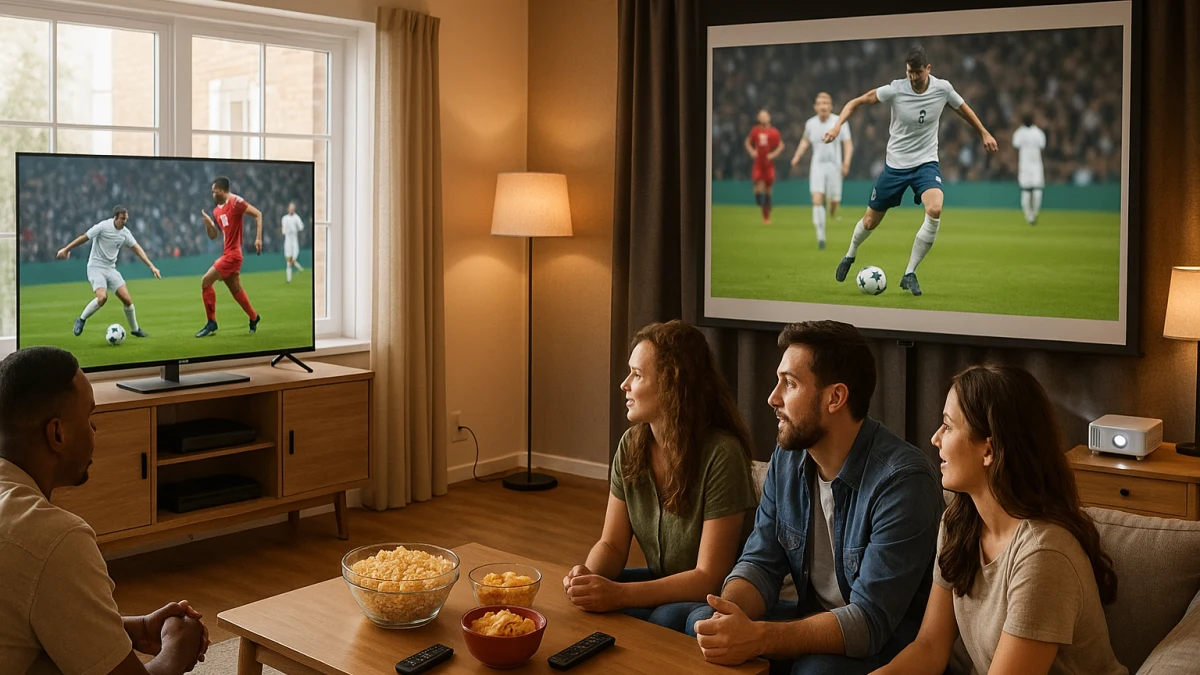
A group sports display has a different job than a movie-night screen. For game day, the hard choice is not just TV versus projector; it is whether your room behaves like a bright daytime space where visibility and side seating matter, or a dark evening space where a much larger shared image is worth extra setup.
This comparison is intentionally uneven. A smart TV is the safer default for indoor sports when daylight, viewing-angle information, brightness fields, and quick setup matter. A smart projector becomes interesting when the room can be darkened and the main goal is a 120-to-200-inch-style image range. Use the products shown here as shortlists to inspect, not as final sports-performance rankings.
Day-game brightness or night-game screen size?
| If your game day looks like this | Better fit |
|---|---|
| Games are often on during the day in a bright living room. | Smart TV for daytime sports |
| Several people sit off to the side and viewing-angle information matters. | Smart TV for daytime sports |
| The group wants the biggest shared image and the room can be darkened. | Smart projector for big-screen night games |
| You do not want to manage focus, keystone correction, or room-darkness tradeoffs before kickoff. | Smart TV for daytime sports |
| You are planning backyard, tailgate, camping, or weather-exposed viewing. | Separate outdoor projector sports setup; not this indoor collection |
As you compare, separate six things that normal category sorting often blends together: daylight practicality, group visibility, fast-motion confidence, image size versus setup time, TV brightness fields versus projector ANSI lumens, and built-in app or wireless convenience. A bigger image is not automatically easier to watch, and a smart interface does not prove live-sports app availability.
The kickoff test: bright room, dark room, or both?
Before looking at screen size, picture the first half of a real game in your room.
- Bright afternoon living room: start with a smart TV. Look for screen size, brightness information, and viewing-angle specs such as 178-degree viewing angle when people sit wide of center.
- Evening game with lights low: a projector can make sense if the large image is the point and the room can stay dark enough.
- Mixed use: choose based on the harder scenario. If day games are common, do not let a 200-inch projection range distract from brightness and setup limits.
- Last-minute hosting: a TV is usually the cleaner path because it avoids focus, keystone, placement, and room-darkness checks before kickoff.
Indoor-only cleanup: no tailgates, bars, galaxy lights, or sports subscriptions
This collection is about indoor residential smart TVs and smart projectors for groups watching sports at home. It does not cover backyard projection, tailgating, camping, weather-exposed viewing, commercial bar setups, decorative galaxy or star projectors, TV carts, sound systems, or sports subscription choices.
That boundary matters because many adjacent products can look similar in search results. A portable projector marketed for camping, a decorative light projector, or a streaming device may solve a different problem, but they do not answer the indoor display tradeoff here.
Smart TVs: safer for day games, side seats, and quick setup
Choose the TV lane first if your group often watches during the day, keeps the room lit, or spreads across a couch and side chairs. The products shown here are useful to compare for screen size, viewing-angle information, brightness fields, 4K or UHD positioning, and motion-related language.
The shortlist includes examples such as a 50-inch UHD Smart Google TV with a listed 178-degree viewing angle, a 75-inch 4K smart TV with MEMC motion technology, and a 43-inch Full HD smart TV with brightness and viewing-angle fields. Those details are more relevant to group sports than simply sorting by largest screen or lowest price.
Read this group as the practical daytime path, not as a promise that every model is a dedicated sports TV. MEMC is worth noticing, and QLED/OLED positioning or brightness information can help you decide what to inspect next, but refresh rate, motion smoothing, sports mode, anti-glare performance, and 120Hz claims still need to be confirmed on the specific product page or manufacturer materials. If your real goal is a much larger wall-size image and you can darken the room, move to the projector lane instead.
When a 75-inch TV still is not the big-screen answer
A 75-inch TV is already a large indoor display, and for many day-game rooms it is the more practical answer. But it is still a fixed screen. If your group wants the event feel of a much larger image, a projector may be the only lane here that reaches projection ranges such as 120, 200, or similar inch classes.
The tradeoff is that the bigger image comes with conditions. Measure where the projector can sit, where the image will land, whether people will block the beam, and whether the room can stay dark. If those basics are uncertain, the largest listed projection range can become less useful than a smaller TV that is visible immediately.
Smart projectors: big-screen payoff only when the room gets dark
Choose a smart projector if the room can be darkened and the main reason to buy is a much larger shared image for evening games. The products shown here are most useful to compare by projection-size range, ANSI-lumen information, dark-room or night-use wording, focus type, keystone correction, mounting or rotation features, Wi-Fi, Bluetooth, and built-in app language.
The projector lane includes ranges such as 35 to 120 inches, 40 to 200 inches, 50 to 200 inches, and 30 to 200 inches. Some models also show 200 ANSI lumens or 300 ANSI lumens, auto keystone, electric focus, Wi-Fi, Bluetooth, Android-style systems, or built-in app language. Treat those as setup and convenience details, not as proof that the projector will handle bright afternoon sports like a TV.
Read these products through a night-game assumption. A projector can beat a TV on shared image size when the room is dark and setup is controlled, but it is the narrower choice for this page. Before buying, check the exact brightness rating, throw distance or placement needs, focus method, keystone controls, app support, and whether the model’s motion behavior is acceptable for fast sports. Skip this lane for outdoor tailgates, backyard viewing, weather exposure, or bright-room daytime games unless the product page specifically supports that use.
Model-level sports checks before the first watch party
Before treating any model as your game-day display, verify the details that affect sports but are not guaranteed by a general smart TV or smart projector label:
- Refresh rate and motion handling: check the manufacturer specs rather than assuming 120Hz, premium motion smoothing, or a dedicated sports mode.
- Brightness and glare behavior: TV brightness fields and projector ANSI lumens are not interchangeable. For projectors, 200 or 300 ANSI lumens should be considered in a dark-room context.
- Viewing angle: if people sit off-center, look for listed viewing-angle information and confirm it on the product page.
- Setup requirements: for projectors, confirm focus, keystone correction, placement range, mounting or rotation options, and whether the image can be aligned quickly.
- Apps and connectivity: Wi-Fi, Bluetooth, and built-in apps reduce clutter, but they do not guarantee live-sports app availability, broadcast access, or subscription support.
- Latency and gaming-style responsiveness: do not infer low latency from a projector or TV being smart; verify it if responsiveness matters to your use.
Claims that need more than a listing label
Be cautious with sports-heavy wording. Terms such as 120Hz, sports mode, anti-glare, low latency, live-sports apps, and premium motion handling should come from the product page, manufacturer specifications, or current review-level research, not from the collection label alone.
The cleanest match is still the room-first one: choose the smart TV if games happen in daylight, with side seating, or with little setup time. Choose the smart projector if the room can be dark and the larger image is worth checking brightness, focus, keystone, placement, and app details before kickoff.