
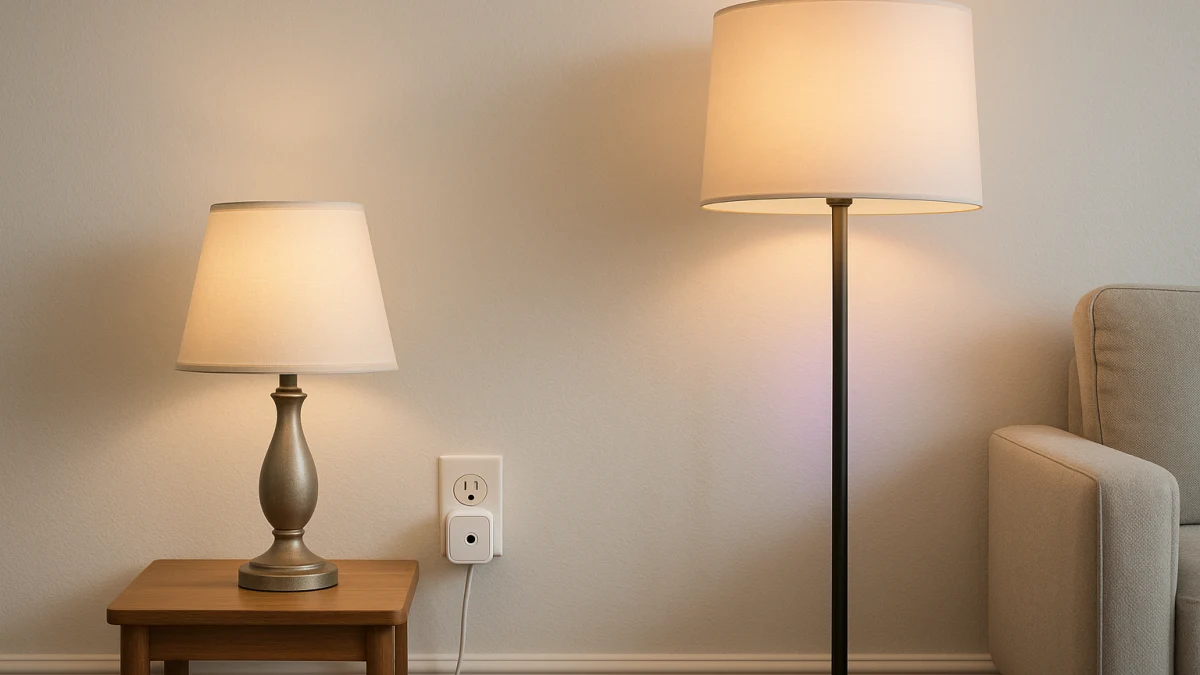
Smart plugs and smart bulbs can both make a table lamp or floor lamp feel smart, but they work at different layers. A smart plug controls whether outlet power reaches the lamp. A smart bulb controls what the light does once the socket has power. That difference matters more than the usual app-control or voice-control labels.
Use this page as a control-layer comparison before browsing. A normal category page can show plugs and bulbs separately, but it will not always warn you that a lamp switch turned off by hand can make either option seem broken, that timer language is not the same as dimming, or that bulb base, shade clearance, and listing-specific load details can decide the purchase.
Outlet control or bulb control for this lamp?
| If this is what you need | Better fit |
|---|---|
| You want the table lamp or floor lamp on a timer, schedule, app, remote, or voice command while keeping the current bulb. | Smart plug for simple lamp on/off automation. |
| You want brightness control, dimmable light, multicolor scenes, RGB effects, or warmer and cooler white light. | Smart bulb for dimming, color, or tunable white. |
| The lamp's physical switch will often be turned off by hand. | Fix the switch behavior first; either path can lose control when power is cut. |
| The lamp is really part of a switched-outlet or room-level wall-switch problem. | Treat smart switches as a boundary case, not a main lamp product path here. |
| You are replacing the lamp effect with decorative accent lighting instead of controlling an existing lamp. | Treat LED strip lights as an adjacent alternative outside this comparison. |
Before comparing products, separate six things: outlet power versus light-source control, whether you need light-quality changes, whether the lamp switch can stay on, plug listing checks such as current rating and indoor-use wording, bulb fit checks such as base and shape, and the app, Wi-Fi, Bluetooth, Alexa, or Google Assistant ecosystem you plan to use.
First decide: preserve the bulb or control the light itself
The simplest split is this: keep the existing bulb if the lamp only needs to turn on and off automatically; replace the bulb if the light itself needs to change.
- Choose the plug path when the value is remote control, app control, voice control, a timer, or a schedule for a plug-in lamp that already has the bulb you want.
- Choose the bulb path when the value is dimmable light, multicolor modes, RGB, RGBWW, RGBCCT, or tunable-white color temperature.
- Do not let Wi-Fi, assistant compatibility, 15A or 16A wording, A19, E26, or brightness claims stand in for product-specific checks.
- Whichever path you choose, the lamp's physical switch generally needs to stay on so the plug or bulb has power to work with.
Keep this to plug-in lamps, not heaters, hardwired switches, or LED strips
This comparison is only for plug-in table lamps and floor lamps. It is not a general smart-plug load guide, a heater or appliance control page, a hardwired wall-switch guide, or a ceiling-fixture installation guide.
It also does not treat LED strip lights as a co-equal way to control a lamp. If you want accent lighting behind furniture, under shelves, or around a room, that is a different lighting project. If your real issue is a switched outlet or a room switch that cuts power to the lamp, solve that control problem first rather than forcing a plug or bulb purchase to cover it.
Use an outlet smart plug for schedules and remote on/off
Pick this path when the lamp already has the bulb you want and the goal is basic on/off automation. A smart plug or smart socket sits between the outlet and the lamp cord, so the useful comparison points are control method, plug style, schedule or timer wording, Wi-Fi or WiFi support, and voice-assistant compatibility.
Look for product pages that clearly describe remote control, app control, voice control, timer, schedule, Alexa, Google Assistant, or similar on/off control. If a listing mentions 15A, 16A, indoor use, overload protection, UL, ETL, or listed language, treat that as a detail to verify for that exact product rather than a general promise about every lamp or every load.
The lamp switch still matters. A smart plug can supply power at the outlet, but if someone turns the lamp's own switch off, the lamp may not light even when the plug turns on.
Read these products as simple lamp-power tools. They are useful when you want a table lamp or floor lamp to follow an app, remote, voice command, timer, or schedule without changing the bulb. If the product text only proves Wi-Fi, timer, or assistant support, do not assume it can dim the lamp. Move to the bulb path if brightness, color, or tunable-white control is the real goal.
Timer language is not a dimmer claim
A schedule controls when power is supplied. A dimmer changes light level. Remote, app, voice, timer, schedule, Wi-Fi, Alexa, Google Assistant, 15A, or 16A wording does not by itself prove that a smart plug can dim a lamp.
Only treat a plug as a dimming solution if the specific product page clearly says it supports lamp dimming for the kind of light load you plan to use. Otherwise, use the plug path for on/off automation and use the bulb path for light-quality control. Do not extend lamp-focused plug wording to heaters, appliances, hardwired fixtures, or other non-lighting loads.
Use a smart bulb when the lamp's light quality matters
Choose this path when the lamp should do more than turn on and off. Smart bulbs are the better fit for dimmable light, multicolor scenes, RGB, RGBWW, RGBCCT effects, and tunable-white control because the smart device is the light source itself.
Fit comes before features. Scan product text for A19, E26, E27, GU10, BR30, base type, bulb shape, brightness, wattage, or wattage equivalent, then compare those details with the lamp you own. A bulb can have the right app features and still be wrong for the socket, shade, brightness need, or enclosed-fixture guidance.
App control, voice control, Wi-Fi, and Bluetooth still matter, but they are not the first check. The bulb also needs power at the socket, so it may stop responding if the lamp's physical switch is turned off.
Read these products from fit outward: base and shape first, then brightness and wattage details, then dimming, color, tunable-white range, and ecosystem compatibility. This path is stronger when the control should follow the bulb to another compatible lamp. If your current bulb is already right and you only need scheduled or remote on/off, the plug path is simpler.
Lamp checkout checks: switch on, socket fit, shade clearance
Before buying, run the lamp through these checks:
- Can the lamp's physical switch usually stay on? If not, either product path can feel unreliable because power is being cut by hand.
- For a smart plug, does the plug or socket style fit the outlet area without blocking what you need to use nearby?
- For a smart plug, does the product page clearly support the control method you want: app, remote, voice, timer, schedule, Wi-Fi, Alexa, or Google Assistant?
- For a smart plug, verify current rating, indoor-use wording, and any safety or overload language on the exact listing instead of assuming it applies across products.
- For a smart bulb, match the lamp's socket and bulb shape needs, including terms such as A19, E26, E27, GU10, or BR30 where relevant.
- For a smart bulb, check brightness, wattage or wattage equivalent, shade clearance, and any manufacturer guidance about enclosed fixtures or tight shades.
- For either path, confirm the app, Wi-Fi, Bluetooth, or voice ecosystem is the one you actually plan to use.
When neither lamp widget lane is the right next click
Skip both paths if the problem is not really a plug-in lamp decision.
- If a wall switch or switched outlet controls the lamp and people regularly use that switch, the control problem may belong at the switch or outlet setup level instead.
- If the fixture is hardwired, this page is not the right guide; these products are for plug-in table lamps and floor lamps.
- If you want decorative accent lighting instead of controlling the lamp you already have, compare LED strip lights separately.
- If the load is a heater, appliance, or other non-lighting device, do not use this lamp-focused comparison as permission to buy a smart plug for it.
- If a bulb will not fit the socket, shade, brightness need, or fixture guidance, solve the fit issue before choosing smart features.
The practical rule is simple: use a smart plug when the lamp only needs scheduled or remote on/off power, use a smart bulb when the light itself needs dimming, color, or tunable white, and verify switch position, plug listing details, and bulb fit before buying.