
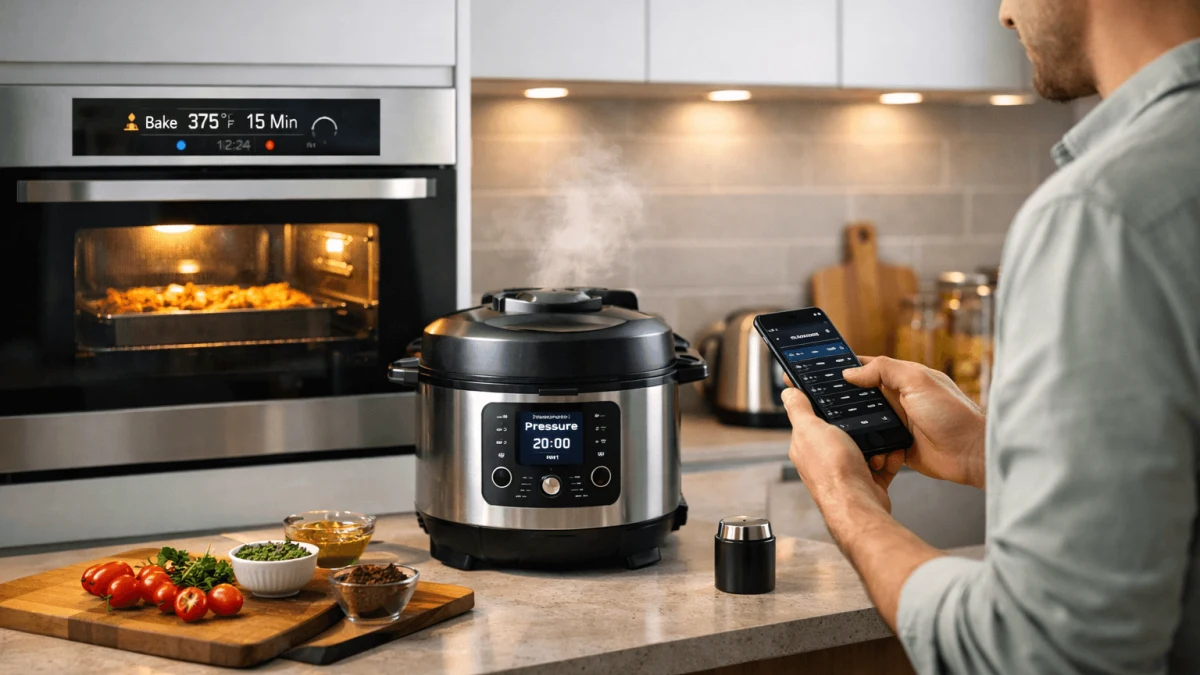
Smart kitchen automation is most useful when it removes waiting, prevents avoidable mistakes, and leaves the craft parts of cooking—tasting, adjusting, finishing—in your hands. That means prioritizing tools that create repeatable outcomes (temperature control, doneness sensing, consistent measuring) rather than chasing novelty.
Interoperability and security are treated as design constraints, not afterthoughts. Devices that only work inside a single app, or that break when the cloud hiccups, tend to create more friction than they remove—especially on a weeknight.
Finally, resilience matters: cooking is real-time, and failures are rarely graceful. The guidance below emphasizes hybrid workflows, local control where possible, and clear fallbacks so a network issue doesn’t become a ruined meal.
Essential Smart Kitchen Starters
Most home cooks don’t need a fully orchestrated “automated kitchen” to feel a real speedup. The practical bottlenecks are narrower: waiting for water to hit the right temperature, babysitting long simmers, guessing doneness, and repeatedly measuring ingredients. A few targeted upgrades can compress these slow points while keeping your process familiar. The impact is less about novelty and more about reducing attention tax—freeing you to chop, clean, or finish a sauce instead of hovering.
The trade-off is fragmentation: adding “smart” tools can multiply apps, accounts, and quirks unless you choose devices that fit your workflow and tolerate manual use. It helps to start with a small set of durable tools and expand only after you’ve proven they save time in your actual rotation of meals, with a path to integrate later if you choose.
Building a Reliable Local Hub
If you’re mixing brands, the hardest part usually isn’t cooking—it’s coordination. Timers, probes, switches, speakers, and appliances can all be “smart” while still failing to act like one system. A local hub gives you a single place to define automations, name devices consistently, and keep dinner moving even when the internet is flaky. That matters most in the kitchen, where a missed alert or a stuck step can mean overcooked food or safety risks.
Local-first control also has costs. You’ll spend time on initial setup, occasional re-pairing, and update hygiene. Some appliances expose only partial functionality locally, pushing you toward vendor clouds for advanced features. The goal isn’t zero tinkering; it’s putting the unavoidable complexity in one predictable layer rather than spreading it across many apps.
Device strategy (what to prefer): Treat your hub as the source of truth and keep core flows local. Favor open or widely supported standards for simple endpoints (switches, sensors, plugs) because they’re easier to replace without rewriting everything. Use Wi‑Fi appliances selectively—only when they deliver unique value you’d miss—and assume you may need a bridge layer for them.
Reliability practices (what to do): Before adding more devices, stabilize basics: consistent entity names, clear room/group structure, and a backup routine. Keep automations small and composable (e.g., “preheat + timer + alert” as separate pieces) so a failure doesn’t cascade. When you update firmware or hub components, do it deliberately: change one thing, validate your core cooking routines, then proceed.
What not to expect (and common mistakes): Matter/Thread/Zigbee won’t magically remove vendor quirks—expect uneven support, especially for large appliances. Many people over-automate early, creating brittle “kitchen macros” that break when you swap a pan, change a recipe, or cook at a different time of day. Another frequent mistake is relying on cloud-only triggers (“when app says preheated…”) for critical steps; if the cloud lags, your food pays the price.
Automate Without Sacrificing Flavor
The fear with automation is reasonable: timing and temperature are measurable, but flavor and texture are situational. A system that blindly follows a script can lock you into the wrong path when ingredients vary, pans behave differently, or you simply decide to change direction mid-cook. Used well, though, automation doesn’t replace judgment—it protects the parts of the process that are easy to drift (heat control, doneness, holding temps) so you can focus on taste, aroma, browning, and plating.
The main limitation is calibration. Evaporation rates, probe placement, and cookware mass change outcomes, so a workflow that worked once may need tuning. Also, some styles—high-heat stir-frying, rapid pan sauces, anything where your senses are the primary feedback loop—remain better manual. The trick is choosing what to close-loop, and where to insert “human checkpoints.”
Closed-loop where it pays: Automate the variables that punish inattention—holding a gentle simmer, maintaining a low-and-slow braise, hitting a target internal temperature, or managing rest times. Then reserve manual control for browning, seasoning balance, and reductions where taste and visual cues matter more than a timer.
Sensory checkpoints as first-class steps: When you translate recipes into automations, include “pause and confirm” moments: taste for salt/acid, check nappe consistency, confirm color on aromatics, verify tenderness with a fork. These are not optional; they’re how you preserve nuance. Good automations don’t just move forward—they ask you for a decision at the moments where cooks actually decide.
Avoid common failure modes: The typical mistake is treating every step like a timer. That works for boiling eggs, not for onions that can go from translucent to bitter depending on pan and batch size. Another mistake is removing your fastest override path—if you can’t instantly extend, skip, or drop heat without hunting through a phone UI, you’ll resent the system. Evaluate any approach by asking: “Can I intervene in two seconds, with wet hands, while something is sizzling?”
Cost-Effective Smart Kitchen Tools
“Worth it” in the kitchen is rarely about the sticker price alone. It’s about whether a tool removes recurring friction in meals you actually cook, and whether it keeps doing that after the novelty fades. Multifunction devices often win here because they replace several mediocre steps (monitoring, holding, measuring, gentle cooking) with one repeatable routine. The practical impact shows up as fewer ruined batches, tighter weeknight timing, and less mental juggling—not necessarily dramatic reductions in total cooking time every day.
Budget decisions come with trade-offs. A lower-cost device may be “smart” only through an app that becomes abandoned, while a pricier option might be reliable but still locked into a cloud ecosystem you don’t want. Also, some convenience gains are front-loaded: you save time after you invest time in setup, learning, and upkeep. It’s easiest to evaluate cost-effectiveness when you already know which steps in your workflow are slow or error-prone, and you’re ready to measure whether a tool changes that.
Leveraging Voice Assistants in the Kitchen
Voice control can be genuinely helpful in a messy environment: hands full, gloves on, or attention split across burners. The value isn’t novelty—it’s reducing micro-interruptions. Calling out a timer, adding two minutes, or asking for the next step can keep you in flow and cut the “stop, wash hands, unlock phone” loop. When paired with a local automation layer, voice becomes a thin control surface rather than the brain of your kitchen.
The trade-off is reliability and privacy. Cloud voice services can mishear, lag, or go down, and they expand the data surface area of your home. In practice, you’ll want voice for non-critical controls and reminders, not as the sole way to manage heat or safety-relevant steps. Another limitation: mixed ecosystems get awkward fast—commands may work for some devices but not others unless you standardize how routines are exposed.
Route intent through your system, not through individual apps: The clean pattern is “voice triggers a named routine,” and the routine controls devices locally when possible. That reduces brand-specific command weirdness and makes it easier to change devices later without retraining everyone in the house.
Decide what must never depend on voice: Anything time-sensitive or safety-critical needs a tactile fallback and a local alert. Voice is great for “start a timer,” weaker for “lower the burner now,” especially if the assistant interprets the wrong device. Build your flows assuming you might be offline or misunderstood.
Typical mistakes to avoid: People often over-index on conversational recipes, expecting the assistant to be a chef. In reality, voice shines as a controller and notifier, not as a nuanced cooking coach. Another common misstep is leaving default permissions wide open—tying voice accounts to too many services, then forgetting to audit them. Evaluate success by how quickly you can do common actions and how painless it is to opt out of cloud dependency when you want a quieter, more private kitchen.
Practical Applications of Kitchen Automation
Automation pays off most when it targets repeatable, low-creativity work: staging, reminders, and coordination across devices. The practical impact is fewer “dead minutes” (waiting for preheat, forgetting you started something, searching for a thermometer) and less cognitive load when you’re juggling multiple dishes. It’s also where tech can help you be more consistent without turning dinner into a rigid program—especially if you design flows around checkpoints and clear handoffs.
The limitation is that kitchens are noisy data environments. Sensors lie (steam, grease, reflections), and recipes vary with batch size and cookware. If you automate too aggressively, you’ll fight false alarms or end up ignoring notifications entirely. Treat automations as assistants: they should nudge, time, and coordinate, while you retain authority to override and adapt.
Evaluating the ROI of Smart Appliances
ROI in the kitchen is personal and measurable if you frame it correctly: time saved per week, reduction in failures (burnt, undercooked, dried out), and reduction in attention required. The upfront cost matters, but so does your setup time, the chance you’ll abandon the tool after a month, and the ongoing maintenance tax of updates, batteries, and integrations. For tech-oriented cooks, the hidden cost is often cognitive overhead—another dashboard, another account, another thing that breaks during a dinner party.
The trade-off: some devices deliver quiet, compounding value, while others offer flashy demos but little day-to-day relief. Also, reliability has a monetary value—if a device occasionally fails at a critical step, it can erase weeks of time savings in one ruined meal.
Measure what you actually do: Start by logging a week of cooking. Identify two or three pain points (e.g., long unattended simmer, repeated measuring, doneness anxiety). Estimate minutes spent actively attending those steps, not total cook time. Then evaluate tools by whether they reduce active attention or failure rate, not by whether they can connect to your phone.
Include setup and maintenance honestly: Assign a dollar value to your time. If a setup takes four hours and saves you ten minutes a week, it can still be worth it—but only if it stays stable. Plan for periodic maintenance and ask: “Will I still update, troubleshoot, and recalibrate this when I’m tired?” If the answer is no, prefer simpler tools or local-first designs that degrade gracefully.
Know where ROI claims fail: Marketing often assumes perfect interoperability and constant use. In real life, you might only use a specialized appliance weekly, and integrations can break after firmware updates. The most common mistake is buying for hypothetical future cooking (“I’ll meal prep every Sunday”) instead of current habits. A safer approach is running small, testable experiments—one device, one workflow, two weeks of tracking—before committing to a larger system.