
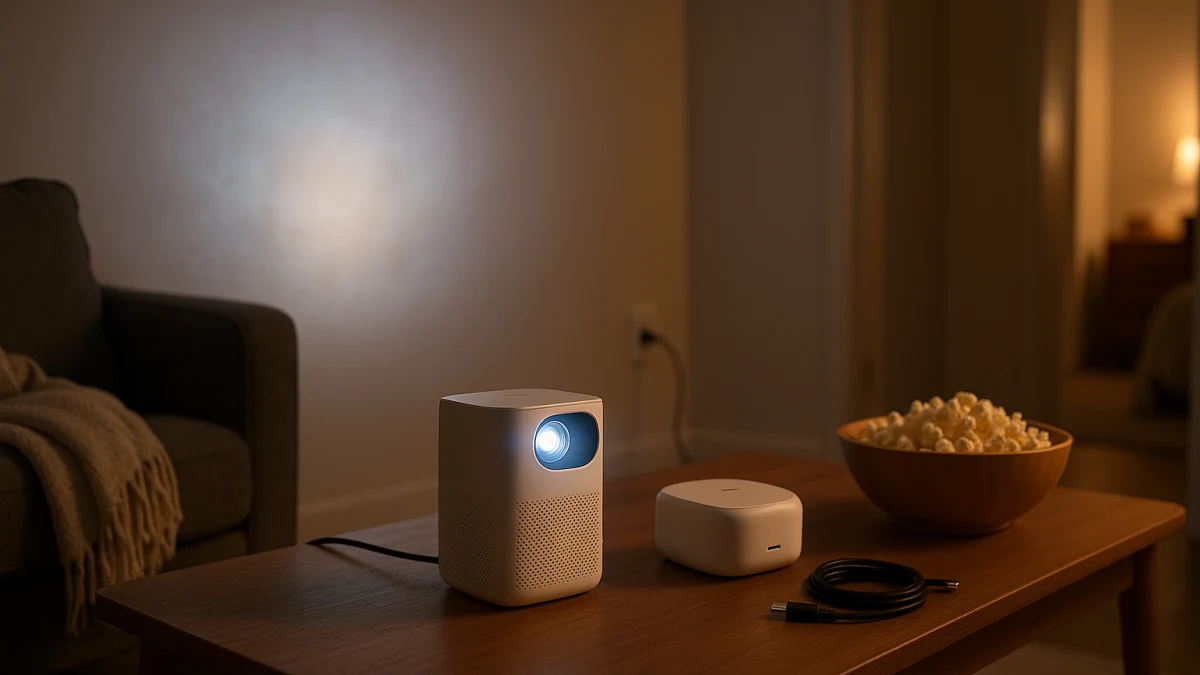
A portable smart projector can make movie night move with you—from the bedroom to the playroom, living room, or spare room. The important distinction is not simply whether the projector is small. It is whether you can keep it connected to an outlet or need genuinely cordless placement.
That choice affects more than convenience. Battery-powered and plug-in portable projectors can differ in usable brightness, runtime, charging requirements, weight, ports, speakers, and power modes. This collection separates compact plug-in smart projectors from battery-capable portable models so you can compare the tradeoffs that matter indoors instead of treating every "mini" or "portable" projector as interchangeable.
Start with power and placement
| If this sounds like your setup | Better starting point |
|---|---|
| An outlet is easy to reach and you want fewer runtime or charging constraints during longer viewing sessions. | Compact plug-in smart projector |
| The best shelf, dresser, or side-table position is away from an outlet and cordless placement matters. | Battery-powered portable smart projector |
| You move the projector often but can plug it in wherever you use it. | Compact plug-in smart projector |
| You need a display that is always ready, bright in substantial ambient light, and integrated with permanent audio. | Consider whether a TV or fixed projector setup is a better fit |
Before browsing, check the room itself: outlet location, expected viewing time, ambient light, available projection distance, wall or screen size, and where the projector can sit without blocking ventilation.
Then compare the projector-specific details: native resolution, brightness measurement, throw ratio, smart platform, supported streaming services, focus and keystone features, ports, speakers, fan noise, and—where relevant—battery runtime and charging.
Plug in when cordless placement is not solving a real problem
If an outlet is available near the couch, bed, dresser, or playroom wall, a compact plug-in projector is usually the simpler starting point. It can still move between rooms, but battery capacity does not have to determine how long you watch or when the projector needs to be recharged.
This distinction matters because "portable" does not necessarily mean "battery powered." A projector can be small and easy to carry while still requiring external power. Conversely, some battery-capable models can also run from an adapter when an outlet is available.
Do not use Wi-Fi, Bluetooth, Android, Google TV, or similar terms as shortcuts for complete streaming compatibility. Check the actual operating system and whether the services you use are officially supported on that model. A built-in smart interface can reduce the need for another device, but HDMI remains a useful fallback when an app, casting method, or account setup does not work as expected.
USB ports also need model-by-model checking. A USB port may be intended for storage, accessories, service functions, or power rather than video input. If you expect to connect a streaming stick, laptop, console, or other source, verify the exact input you need.
Compare brightness only when the measurement is meaningful
Portable projector listings often use different brightness terminology. Do not directly compare a bare "lumens" number with an ANSI-lumen or ISO-lumen figure as though they were necessarily measured the same way.
When possible, compare models using the same recognized measurement method and then interpret brightness in the context of your room. Ambient light, projected image size, screen or wall characteristics, picture mode, and power mode can all affect the viewing experience.
For room-to-room movie watching, darker conditions are generally more forgiving. If the room cannot be dimmed and you expect a large image during daytime viewing, portability may be less important than substantially higher usable light output.
Compact plug-in smart projectors for flexible indoor viewing
Choose this lane when you want to move a projector between rooms but can connect it to power at each viewing spot.
The useful comparison points are not generic "smart" or "portable" labels. Check:
- Native resolution rather than only the maximum supported input resolution
- A standardized brightness figure when one is provided
- Throw ratio and the distance required for the image size you want
- The built-in operating system and officially supported streaming apps
- HDMI and any other usable video inputs
- Wi-Fi and casting support for your devices
- Auto focus or manual focus
- Auto, vertical, or four-point keystone correction
- Speaker configuration and available audio outputs
- Fan-noise specifications or credible model-specific information
- Dimensions and weight if you will carry it between rooms frequently
Auto focus and keystone correction can make repeated setup easier, but they should not replace basic placement checks. Positioning a projector reasonably square to the viewing surface is still preferable when possible, and heavy digital keystone correction can come with image-quality tradeoffs.
Use these products to compare the room-to-room basics first: power requirement, native resolution, brightness measurement, throw ratio, smart platform, inputs, setup assistance, sound, size, and weight.
If an outlet is easy to reach, there is little reason to make battery capacity a deciding factor. If the best projector position is repeatedly away from power, compare the battery-capable lane instead.
Battery power changes the comparison
A battery-powered projector solves a specific placement problem: it can operate without a nearby outlet for at least part of the viewing session. That convenience should be evaluated against the model's actual runtime and power behavior.
Do not assume that the presence of a battery means a projector will complete every movie under every setting. Runtime can depend on brightness mode, audio use, wireless activity, battery condition, and other operating choices.
Before choosing a battery-capable model, confirm:
- Whether the battery is built in, supplied through a dedicated battery accessory, or provided by another supported power source
- Advertised runtime and the mode used to obtain that figure
- Whether your expected viewing session fits within that runtime
- Whether brightness changes in battery or economy modes
- Charging method, required charger output, and charging time
- Whether the projector can continue operating while connected to external power
- Native resolution and standardized brightness
- Smart-platform and app support
- Video inputs and casting options
- Focus and keystone features
- Speaker configuration and audio-output options
- Size and weight once any required battery accessory is included
A battery model is not automatically the more portable choice in every practical sense. A larger battery, separate power base, charger, or other accessory can change the total size and weight you actually move between rooms.
Battery-powered smart projectors for cordless indoor placement
Choose this lane when cordless operation solves a real indoor placement constraint—for example, when the useful shelf, dresser, side table, or playroom surface is not close to an outlet.
The battery is only one part of the decision. A good match still needs the right throw distance, image size, native resolution, smart platform, and inputs for your room.
Streaming support deserves particular attention. Wi-Fi, Bluetooth, or an Android-based interface does not by itself establish that every major streaming service will run natively. Check the apps you actually use and keep an appropriate external-input option in mind if built-in streaming is limited.
Brightness also needs to be checked in the mode you expect to use. Some projectors can change performance when operated from a battery, power bank, or lower-power mode. Use manufacturer information for the specific model instead of transferring one projector's battery or brightness behavior to the entire category.
Use these products to compare cordless operation model by model. Verify the actual battery arrangement, runtime conditions, brightness behavior, charging requirements, native resolution, supported apps, inputs, setup automation, speakers, and total carry weight.
If you can plug in easily and cordless placement adds little value, the plug-in lane remains the simpler starting point.
Check projection distance before choosing a room
Portability does not guarantee that a projector will produce the image size you want from every position.
Check the throw ratio or the manufacturer's distance-to-screen guidance for each model. A bedroom dresser, playroom shelf, and living-room side table may put the projector at very different distances from the wall.
This becomes especially important if your available surface is small or the projector cannot be moved closer or farther away. Digital image scaling can help with fit on some models, but shrinking the projected image electronically is not the same as having an optical zoom lens.
If one projector needs to work in several rooms, confirm that its usable image-size range and placement distance make sense in all of them.
Smart features: verify the exact service, not the logo list
For a smart projector, the built-in software can be as important as the optics.
Check whether the model supports the streaming services you actually use with your account and region. Also verify how casting works from your phone, tablet, or computer. AirPlay, Google Cast, Miracast, manufacturer-specific casting, and generic screen-mirroring claims are not interchangeable.
If reliable streaming matters more than having everything built in, an HDMI input can provide a practical fallback for a compatible streaming device. Confirm that the projector has the required port and enough physical clearance for the device and its power connection.
Bluetooth should also be interpreted carefully. On one model it may support external speakers; on another it may be intended for remotes, audio playback, or a narrower set of functions. Verify the function rather than relying on the presence of the Bluetooth logo.
Do not overlook sound, fan noise, and ventilation
A portable projector may sit much closer to viewers than a permanently installed home-theater projector, which makes sound and operating noise more noticeable.
Built-in speakers can be sufficient for casual bedroom or playroom viewing, but speaker wattage alone does not tell you how the projector will sound in your room. Check whether external Bluetooth, HDMI ARC, a headphone output, or another audio connection is available if you may add a speaker later.
Fan noise also deserves attention when the projector will sit beside a bed or close to the couch. If the manufacturer publishes a noise figure, check the measurement conditions and operating mode.
Wherever you place the projector, keep its air intake and exhaust unobstructed. A convenient shelf position is not useful if surrounding objects prevent adequate airflow.
Final checks before you choose
Before choosing one projector to use across several rooms, verify:
- Power source: plug-in only, built-in battery, external battery accessory, or another supported power option
- Battery runtime: the stated runtime and the operating mode behind it
- Charging: connector type, required power, charging time, and whether simultaneous operation is supported
- Brightness: the measurement standard and expected behavior in the intended power mode
- Ambient light: how well each room can be darkened
- Native resolution: the panel's actual native resolution rather than only accepted input formats
- Throw ratio: whether each intended placement can produce a suitable image size
- Smart platform: the operating system and officially supported services you need
- Casting: the specific wireless protocols supported by your devices
- Inputs: HDMI, USB-C video, or other connections required for external sources
- Setup assistance: focus, keystone correction, screen alignment, or obstacle avoidance where offered
- Audio: built-in speakers and available external-audio options
- Noise: fan behavior when the projector will be close to viewers
- Ventilation: enough clearance around the projector in every intended location
- Size and weight: including any battery base, charger, stand, or accessory you will move with it
When a portable projector is the wrong room-to-room solution
A portable smart projector makes sense when you value a movable large image and can accept the normal projection compromises: controlling ambient light, finding a suitable surface, positioning the projector, and occasionally adjusting focus, keystone, audio, or source connections.
It is a weaker fit when the display needs to be instantly available every day, remain clearly visible in substantial daylight, work without repositioning, and integrate permanently with the room's audio.
For this collection, use one rule to narrow the choice first: if an outlet is easy to reach, start with compact plug-in models and compare image, platform, and setup quality. If the best placement genuinely needs to be cordless, move to battery-capable projectors and verify runtime and power-mode behavior. If neither path fits how the room is used, a fixed TV or more permanent projector setup may be the better solution.