
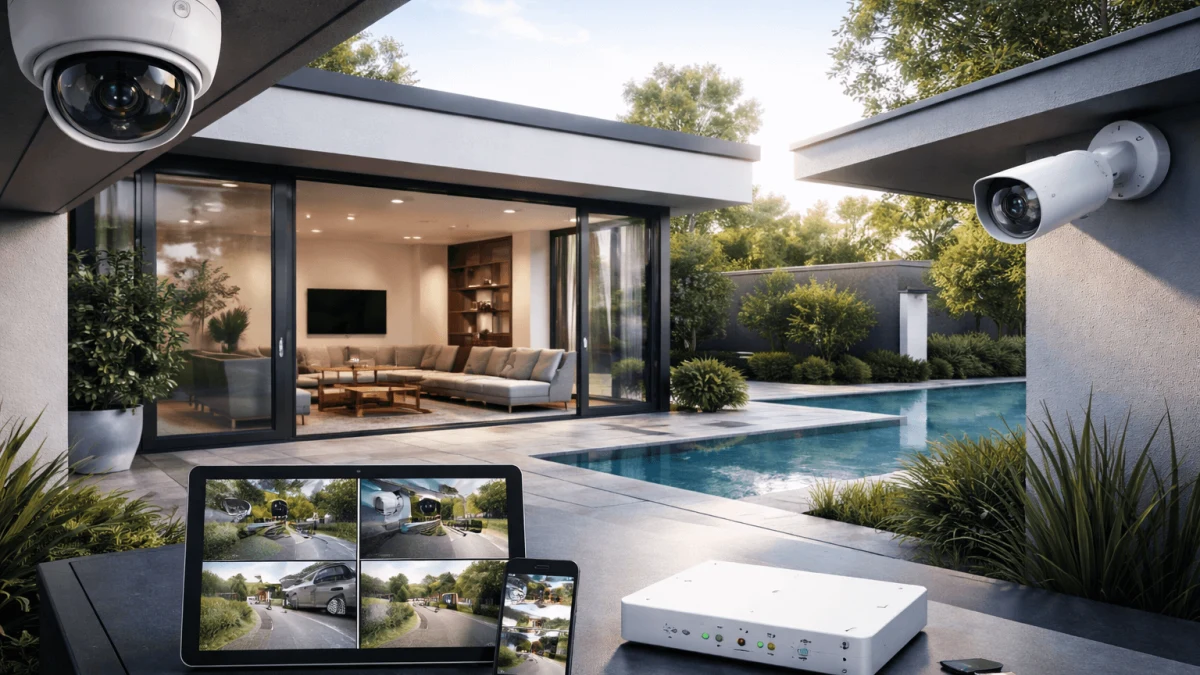
This guide is crafted from thorough web research and actual user concerns about security and privacy. It delivers actionable insights for choosing security cameras that balance privacy, cost, and functionality.
It focuses on what you can verify in a home environment: whether cameras still work when the internet is blocked, how local storage behaves under stress (power loss, theft, full disks), and which integrations quietly reintroduce cloud dependence. The goal is to help you keep footage local without turning your home into a hobby IT project.
Non-Cloud Cameras with Robust Features
The hard part isn’t finding a camera that can record to an SD card—it’s preserving day-to-day convenience when you remove the vendor cloud from the loop. Homeowners usually want quick mobile alerts, useful detection (person/vehicle rather than “moving tree”), and a smooth way to review clips. Many cameras can do some of this locally, but the “polished” parts (rich timelines, thumbnails, easy sharing) are often where cloud services sneak back in.
A practical approach is to treat “local-first” as a capability you can test: does detection still function with internet blocked, and can the camera stream to something you control? The trade-off is that setup and troubleshooting may shift from a single app to a mix of camera settings plus a local viewer/recorder. To ground that decision, it helps to compare candidates that support local AI and open local streaming standards before you narrow further.
Optimal Local Storage Options
Local storage decisions tend to get oversimplified into “SD vs NVR,” but what you’re really choosing is how your evidence survives bad days: a camera being stolen, a drive failing, or your network going down. Keeping footage on-site reduces third-party exposure and subscription dependence, yet it concentrates risk in your home and your hardware. The practical impact shows up later—when you need footage quickly and discover it overwrote sooner than expected, or the recording stopped silently after a card wore out.
Different storage layouts also shape usability. Centralized storage makes searching and retention easier; per-camera storage can be simpler to install but harder to audit. The main trade-off is resilience versus complexity: the more durable the design, the more you’ll need to think about power protection, physical security, and routine checks.
Storage isn’t “set and forget.” Plan for failure modes up front, even if you start small.
After you choose where footage lives, evaluate it with a few reality checks:
A first pass: match storage to how you actually record. If you want 24/7 coverage, assume higher write wear and faster retention churn; designs that rely on small removable media tend to fail quietly in this scenario. If you only need event clips, per-camera storage can work—provided you have a habit of verifying that recording still occurs and that timestamps are correct. Don’t expect a single number like “X days of storage” to remain true once detection sensitivity changes or the scene gets busier.
Next: tamper resistance and recovery. If the camera itself is easy to grab, storing only in the camera makes theft a data-loss event, not just a hardware loss. Centralizing storage inside the house helps, but it creates a single point of failure if the recorder is accessible or unprotected during a break-in. A common mistake is equating RAID with backup; it can reduce downtime after a disk failure, but it won’t help if the entire recorder is taken or damaged.
Finally: operational discipline. Most local systems fail due to basics—full disks with no overwrite policy you actually tested, power interruptions without a battery backup, or a “temporary” configuration that never gets revisited. Before committing, simulate the boring problems: unplug the internet, reboot the recorder, fill the storage, and confirm it overwrites the way you intended.
Secure Remote Access Solutions
Remote viewing is where many “local” setups quietly stop being local. If you can see cameras while away from home, something is bridging your phone to your network—either a vendor relay service, an exposed port on your router, or a private tunnel you control. The convenience gap is real: vendor relays are easy, while do-it-yourself private access can feel like extra work. But from a privacy standpoint, remote access is often the difference between “video stays in my house” and “video is reachable through someone else’s infrastructure.”
A workable middle ground is to keep video delivery local while allowing remote reachability to your home network. The trade-off is a bit of initial setup and some ongoing responsibility: managing access keys, keeping software updated, and avoiding shortcuts like port-forwarding that increase attack surface. If you want to preserve usability, design your remote workflow so alerts are lightweight and viewing happens only after you authenticate into your home network.
Remote access tends to break in predictable places, so evaluate it like a system, not a feature:
Private reachability: favor a client VPN into your home network over exposing camera/NVR web interfaces to the internet. Port-forwarding is the classic “works today, regret later” move because it turns every camera or recorder login page into an always-on target. Don’t expect a VPN to be completely hands-off: you’ll need to store credentials safely, keep the VPN endpoint patched, and plan for what happens when you change phones. A common mistake is reusing the same VPN access for everyone in the household; per-person access makes revocation and auditing much easier.
Alerts without video leakage: many users assume push notifications require cloud video. They don’t have to—if your local system can generate events locally and your phone can connect back securely to fetch the clip. Be realistic, though: some ecosystems send thumbnail previews through their servers, and that can defeat your “local-only” goal even if full clips remain on-site. Decide whether you’re comfortable with metadata-only alerts (time, camera name, detection type) and require that the actual video opens only after you connect through your tunnel.
Reliability under real conditions: test from outside your Wi‑Fi, test after a router reboot, and test when your ISP address changes. If your home internet is down, remote access is down—unless you add redundancy. A typical mistake is ignoring time synchronization; without accurate time, searching footage becomes frustrating and evidence can be challenged.
Integrating with Smart Homes Privately
Smart-home platforms can make cameras feel effortless—voice commands, automations, live tiles—but they also create the most confusing privacy trade-offs. Integration badges often hide where data flows: some features work purely on your LAN, while others route events or streams through vendor servers or assistant clouds. The practical consequence is that you can keep recordings local yet still leak meaningful metadata (when motion happens, which camera triggered, sometimes who was detected) through integrations you forgot you enabled.
A privacy-preserving strategy is to use local bridges: treat your cameras as local video sources and let a local controller handle automations. Then limit cloud assistants to high-level signals (armed/disarmed states, lights, sirens) rather than raw video. The trade-off is that you may lose certain convenience features, like seamless casting or rich previews, unless you accept some cloud involvement. Before you commit, decide what you want integrated—control, notifications, viewing—and what must remain strictly inside your network.
Cost Analysis: Local vs Cloud Systems
Local-first systems often look expensive up front and cheap later; cloud systems flip that equation with low entry cost and ongoing fees. The trap is comparing sticker prices without counting the parts that make local setups reliable: stable power, adequate storage, and the time you’ll spend maintaining the system. Usability has a cost too—if a setup is so complex that you stop checking it, you’ve paid for security theater.
A useful way to think about cost is “what am I buying with each dollar?” With local, you’re buying ownership of storage and control of data flows. With cloud, you’re buying redundancy and convenience—plus a continued relationship with the vendor’s policies. The trade-off is flexibility versus simplicity: local can scale and avoid subscriptions, but it can also require occasional replacement of media and some troubleshooting.
To compare fairly, run a 3–5 year total-cost view and include the boring items:
Upfront plus sustainment: local costs aren’t just cameras. Add centralized storage (if you use it), protective power (to prevent corrupt recordings), and the likely replacement cycle for storage media. Don’t expect “no subscription” to mean “no ongoing cost.” SD cards and hard drives are consumables in recording workloads; plan for periodic replacement rather than waiting for failure. A common mistake is underestimating the value of your own time—if you’d rather never touch settings again, you’re effectively “paying” with frustration.
Cloud fees plus constraints: subscriptions aren’t automatically bad, but they are compounding costs tied to policy changes. Price increases, feature gating, and account lockouts can become real risks over multi-year ownership. If you might move, change internet providers, or sell the home, consider how easy it is to transfer or decouple the system. Another common mistake is buying a cloud camera and assuming you can later “just use it locally”; some devices reserve the most usable parts of the experience for subscribers.
Break-even isn’t the only metric: sometimes paying more for local is rational even if it never “wins” financially, because your goal is to reduce third-party exposure. Conversely, if off-site evidence retention is your highest priority and you won’t build your own backups, a subscription may be the more honest choice.
Evaluating Vendor Privacy Practices
“Local storage” isn’t the same as “private by default.” Some cameras record locally but still phone home for analytics, device health, firmware checks, time sync, or to enable app features. Even if the vendor never stores your clips, the surrounding telemetry can reveal patterns about your household. The practical impact is subtle: you may feel you’ve solved privacy while still maintaining a constant outbound connection from devices that face the street and sit on your network.
A better evaluation method is behavioral: can the device operate correctly when you block its internet access? If not, it’s cloud-dependent in ways that matter. The trade-off is effort and vigilance—auditing network behavior and keeping firmware current takes some discipline. Also, locking down egress can reduce convenience, like easy pairing or remote viewing through the vendor app, so you’ll want a plan for how you’ll access and update devices without reopening the same privacy risks.
Utilizing Local AI for Enhanced Monitoring
The promise of “smart” detection is fewer false alerts and faster review. The privacy worry is that intelligence often lives in the cloud: detection events, snapshots, and even full streams can be processed off-site. Local AI flips that model by keeping analysis near the camera or within your home network. When it works, it improves daily usability—fewer notifications, clearer “why did this alert fire?” context—without exporting your video history.
Still, local AI has trade-offs. On-device models can be less flexible, self-hosted analysis can require more setup, and accuracy varies with lighting and camera placement. You may also find that some “smart” features degrade when internet access is blocked, even if the marketing suggests otherwise. The decision is less about chasing the most advanced label and more about choosing where detection happens and what data leaves your home. To weigh options, it helps to compare approaches that keep analysis local while still delivering timely alerts and manageable review workflows, which is where the next selection aid can be useful.